Connect your Mini Program
First publish your project website. You need a Douyin Mini Program registered to an organization that supports embedded web pages, and an account with developer access.-
Open the Mini Program in the Douyin developer console and copy its AppID (starts with
tt). Under 开发 → 开发配置 (Development settings), enable and copy its code upload key. Douyin’s guide to getting the key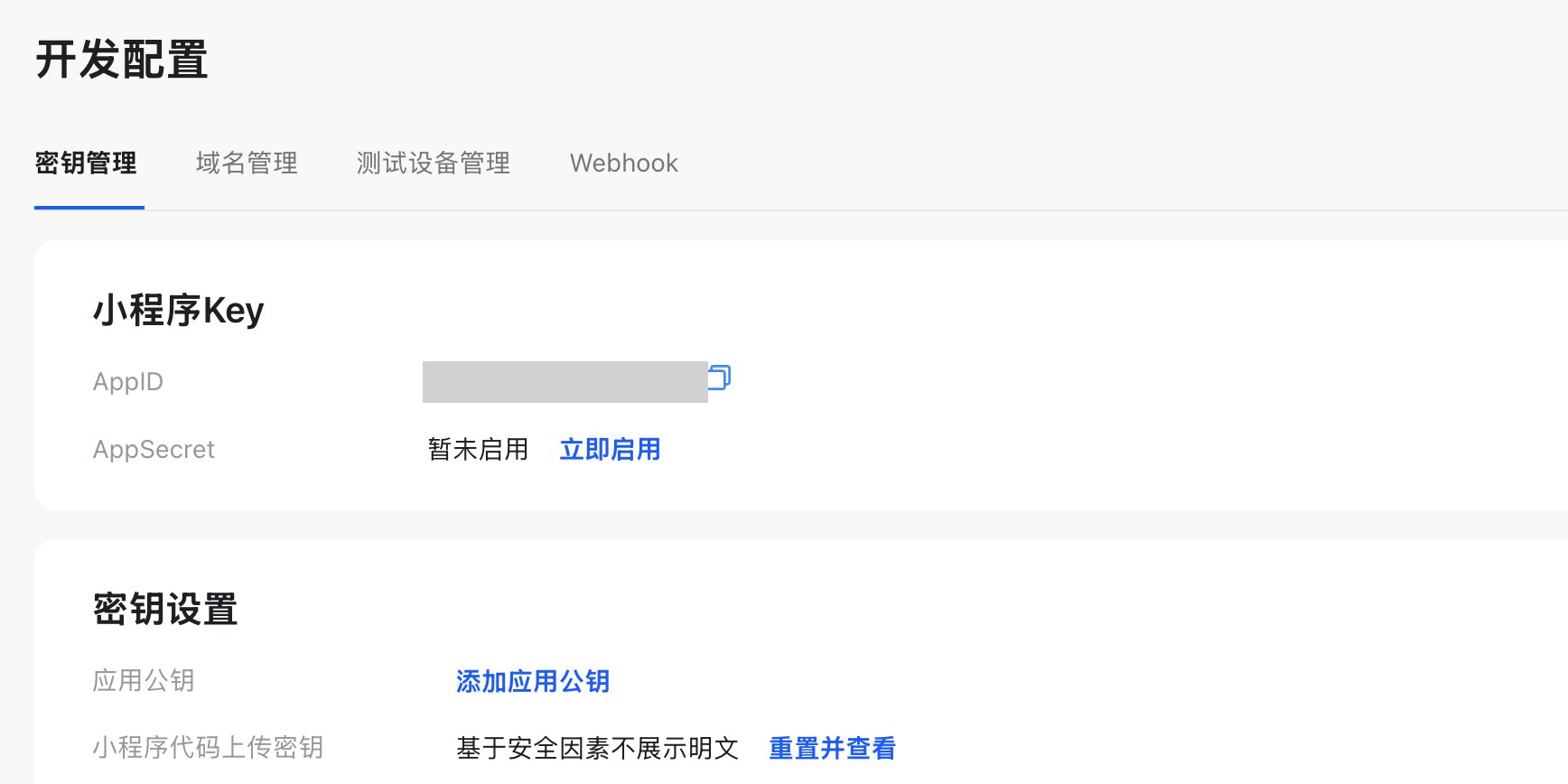
- As the superun project owner, open Operations → Use on mobile → Douyin Mini Program. Select Generate on your first visit. Under Configuration, connect the Mini Program by entering the AppID and upload key, then save.
Verify the website domain
-
In superun, open Set up business domain. In the Douyin console, open 开发 → 开发配置 → 域名管理 → web-view 域名 and download the original
.txtverification file.
- Return to superun and select Upload file and update website. This also publishes any pending website changes.
-
Once the website update finishes, copy the domain shown in superun. Add it to web-view 域名 in Douyin and confirm. Enter just the hostname, such as
app.example.com, omittinghttps://and any path.
Register a test device and preview
-
In Douyin, open 开发 → 开发配置 → 测试设备管理 (Test devices). Select 扫码添加 and scan with the Douyin account you will use for testing.

- In superun, select Generate preview QR code. superun prepares a native home page for the project. Once ready, scan the preview code in the Douyin app with the registered account. Test the home page, navigation, and main actions.
Upload and submit for review
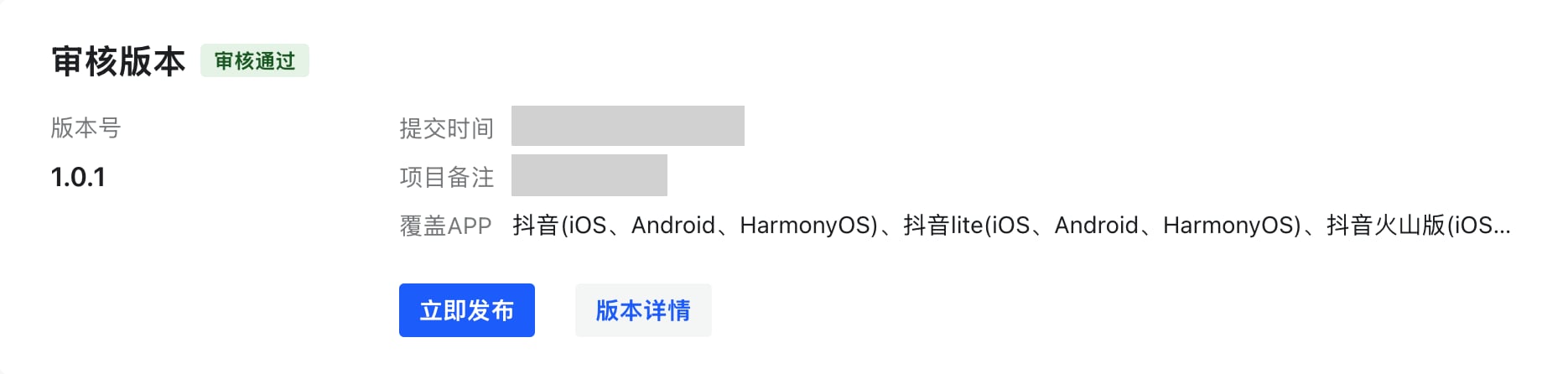
Select Upload development version, check the version number and notes, and upload. After a successful upload, follow the link to the Douyin console. Under 版本管理 (Version management), select that version, complete the review details, and submit. Track the review and manage publication in Douyin. Douyin version review FAQ