

In a project, open Operations. In the left sidebar, Publish, Site info, GEO, and Analytics are sibling entries under Operations (labels and order may vary by version). This page covers GEO.
What it helps you with
1. Site info first
In Site info (open it from the Operations sidebar), you can set the icon, title, description, share image, and URL (default address or a custom domain). Filling in this “site business card” first usually makes the GEO check clearer.2. Run a GEO check
Overview of the GEO page under Operations—Publish, Site info, GEO, and Analytics are siblings in the sidebar: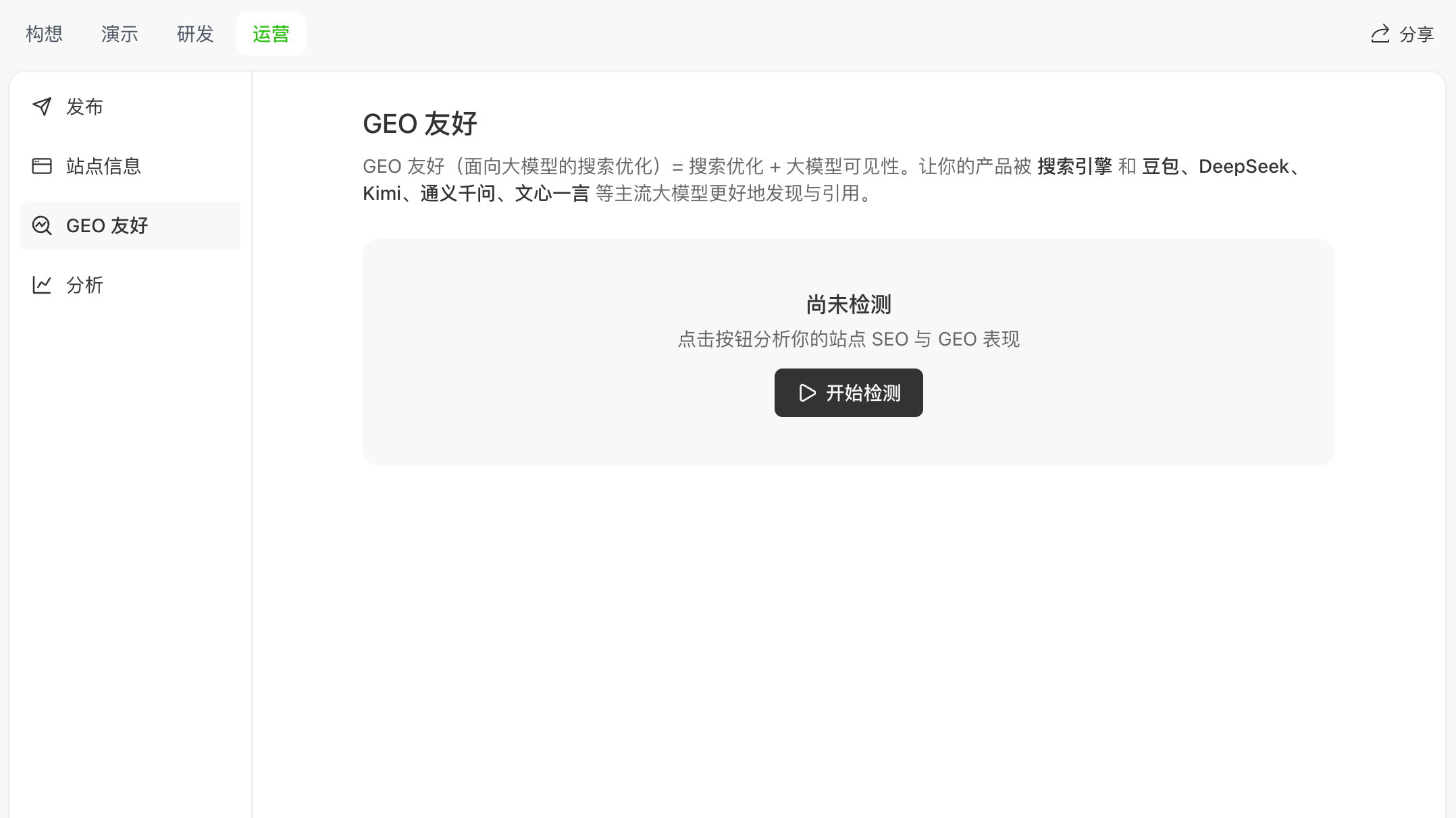 In GEO, click Start check (when you haven’t run a check yet, the UI highlights this action):
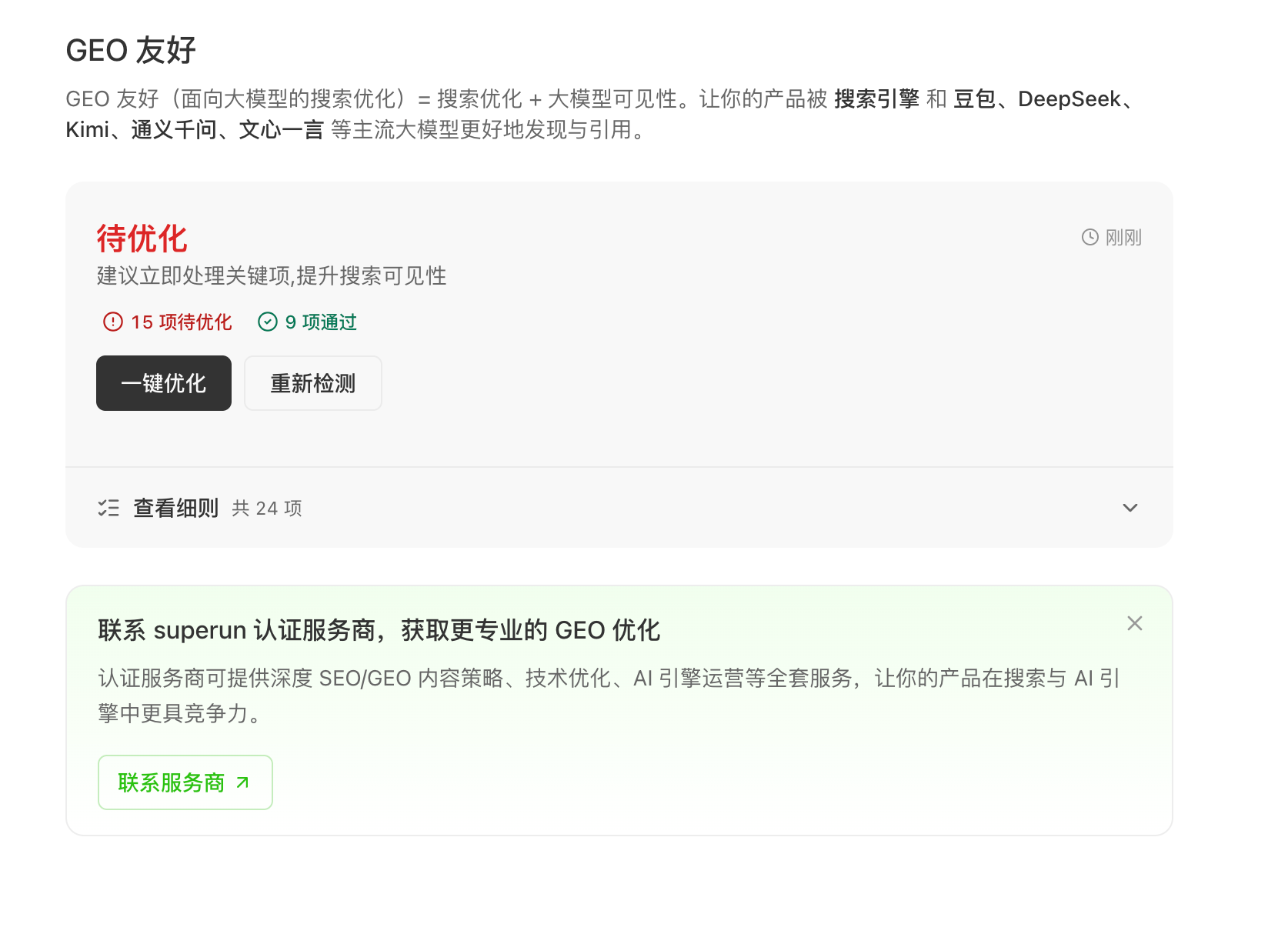 After the scan, the product evaluates your published site and shows results in everyday language—e.g. items to improve, items that passed, and a way to view details—without requiring you to know every technical term up front.
The check now also includes Google / Baidu indexing status, so you can quickly see whether mainstream search engines have indexed your site.
After the scan, the product evaluates your published site and shows results in everyday language—e.g. items to improve, items that passed, and a way to view details—without requiring you to know every technical term up front.
The check now also includes Google / Baidu indexing status, so you can quickly see whether mainstream search engines have indexed your site.
Check coverage and item names can change; rely on the in-product text as the source of truth.
3. One-click optimize
If there are issues, use One-click optimize. The product turns the report into task instructions the Agent can follow so the Agent updates your project for you, guided by the UI and chat. After One-click optimize finishes, the system automatically re-runs the check and shows the score or pass-item delta, so you can confirm the optimization landed without clicking Start check again.4. Re-check after publish
After you republish changes, it’s a good idea to run the check again to see whether the status or score improved and what remains to fix.5. Deeper help
For larger or long-running needs, the product can offer a path to superun certified partners for deeper content and technical work (subject to in-product information).What we don’t guarantee
- We do not guarantee a specific ranking, slot, or “always on the first page.”
- We do not guarantee that a specific LLM will cite you in a specific conversation.
- We do not guarantee that everything can be fixed without your real product or brand information, or without required third-party verification where applicable.
superun.com
Visit the site for more product information and examples.