

1. Adjust project ownership (personal / team)
When to use
- Move a project from your personal space to a team, or back from team to personal
Steps
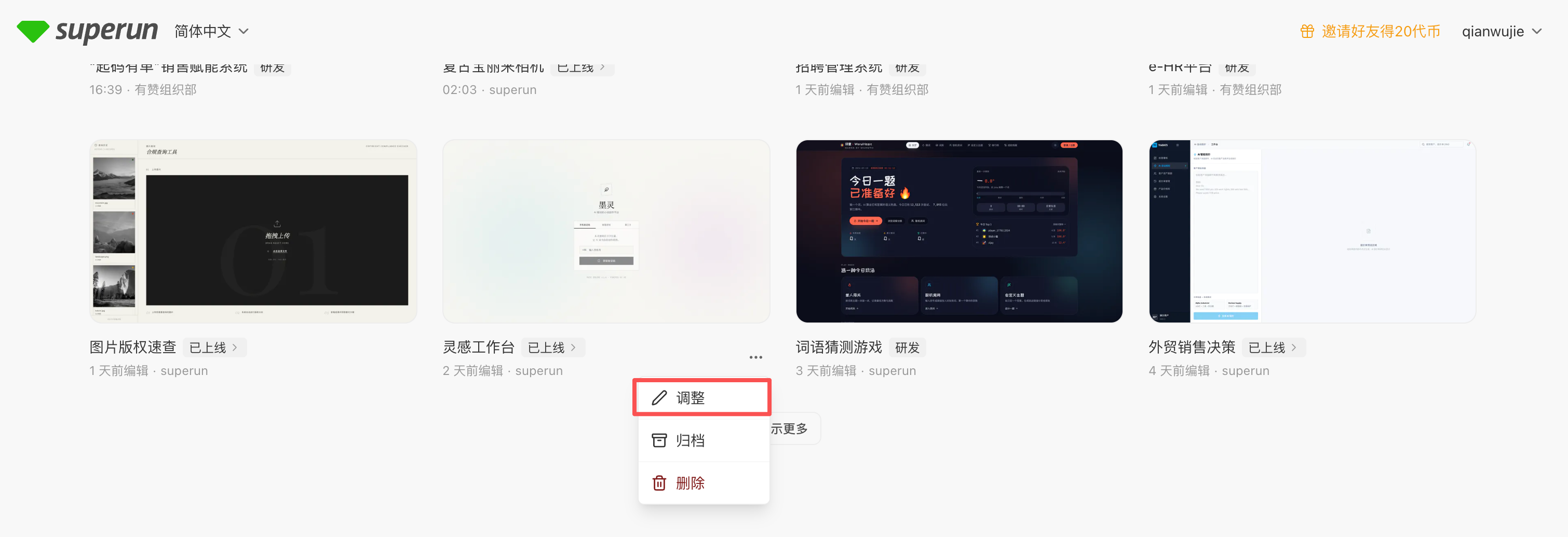
- Open My Projects on the superun Home page (or the project list in the corresponding workspace).
- On the project card, tap … at the bottom-right → Adjust.
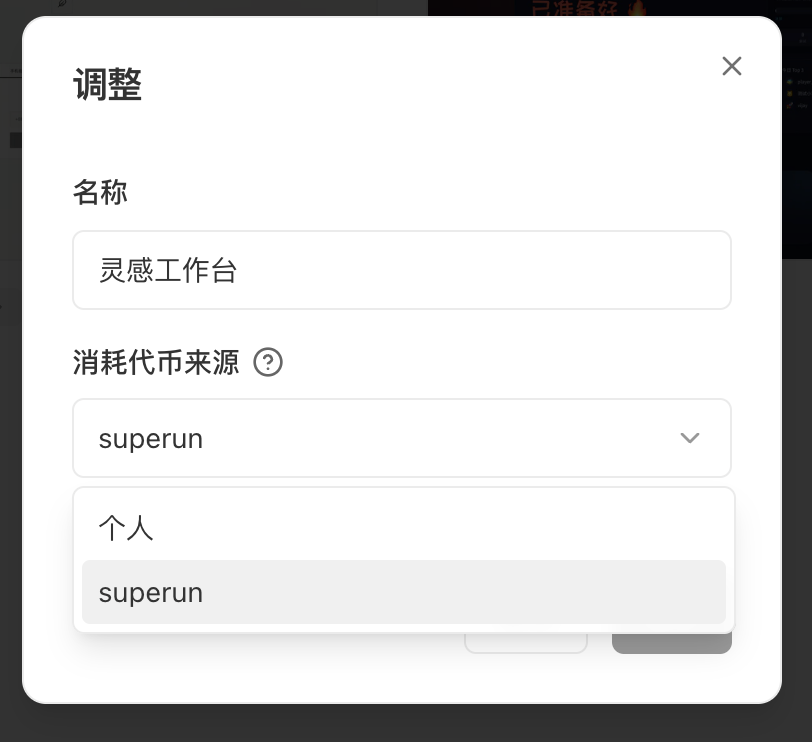
- In the dialog, choose Personal or Team (shown as Source of token consumption in the UI).
- Confirm and save.
Notes
- After the change, the project belongs to the selected space; usage is deducted from the matching personal or team balance.
- Project cards on Home show an ownership label so personal and team projects are easy to tell apart.
- To add multiple personal projects to a team, use Team management → Add personal projects to a team.
2. Collaborator billing
When to use
- The project already has collaborators, and you need to decide who pays when they edit
Steps
- Open the project and click Share.
- Under Invite collaborators, find … next to Collaborators.
- Choose a billing mode (options depend on project ownership):
- Personal project: Deduct collaborator tokens or Deduct my tokens
- Team project: Deduct collaborator tokens or Deduct my team quota
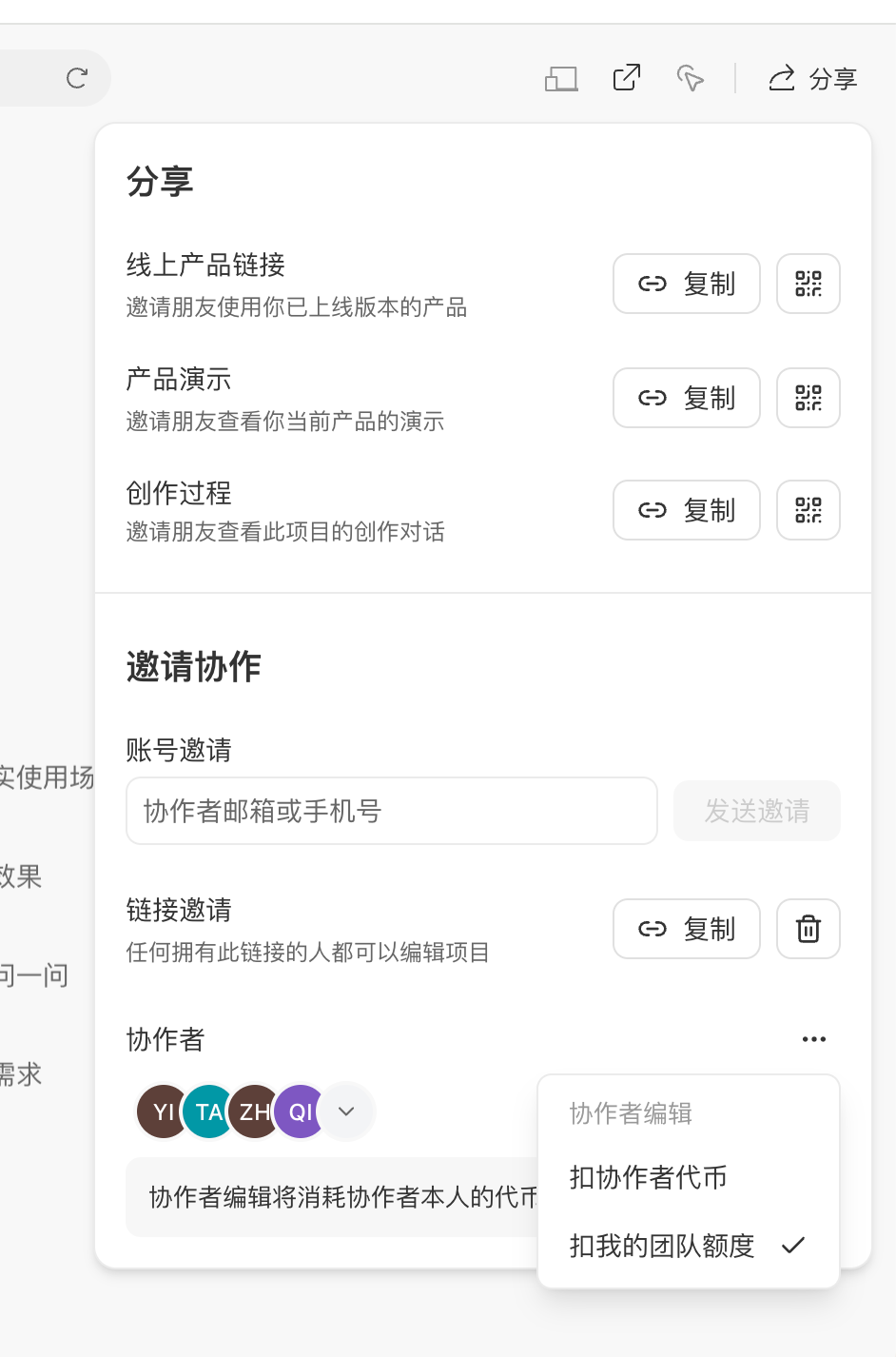
Options by ownership
Footer copy in the panel follows the live product. For personal projects using Deduct my tokens, keep enough personal balance; for team projects using Deduct my team quota, top up team quota if needed — see Team management.
FAQ
What’s the difference between ownership and collaborator billing?
What’s the difference between ownership and collaborator billing?
Ownership decides whether the project lives in personal or team space. Collaborator billing decides whether edit usage comes from collaborators’ accounts or from the owner (personal projects: my tokens; team projects: team quota). They are independent — set each as needed.
Can a personal project use “Deduct my team quota”?
Can a personal project use “Deduct my team quota”?
No. For personal projects, the Share panel offers Deduct collaborator tokens and Deduct my tokens. Deduct my team quota appears only for team projects.