

Note: Viewing code is available to all users; downloading / exporting code is free and must be completed in the client apps.
How to view code (all users)
- Open the Build tab in your project
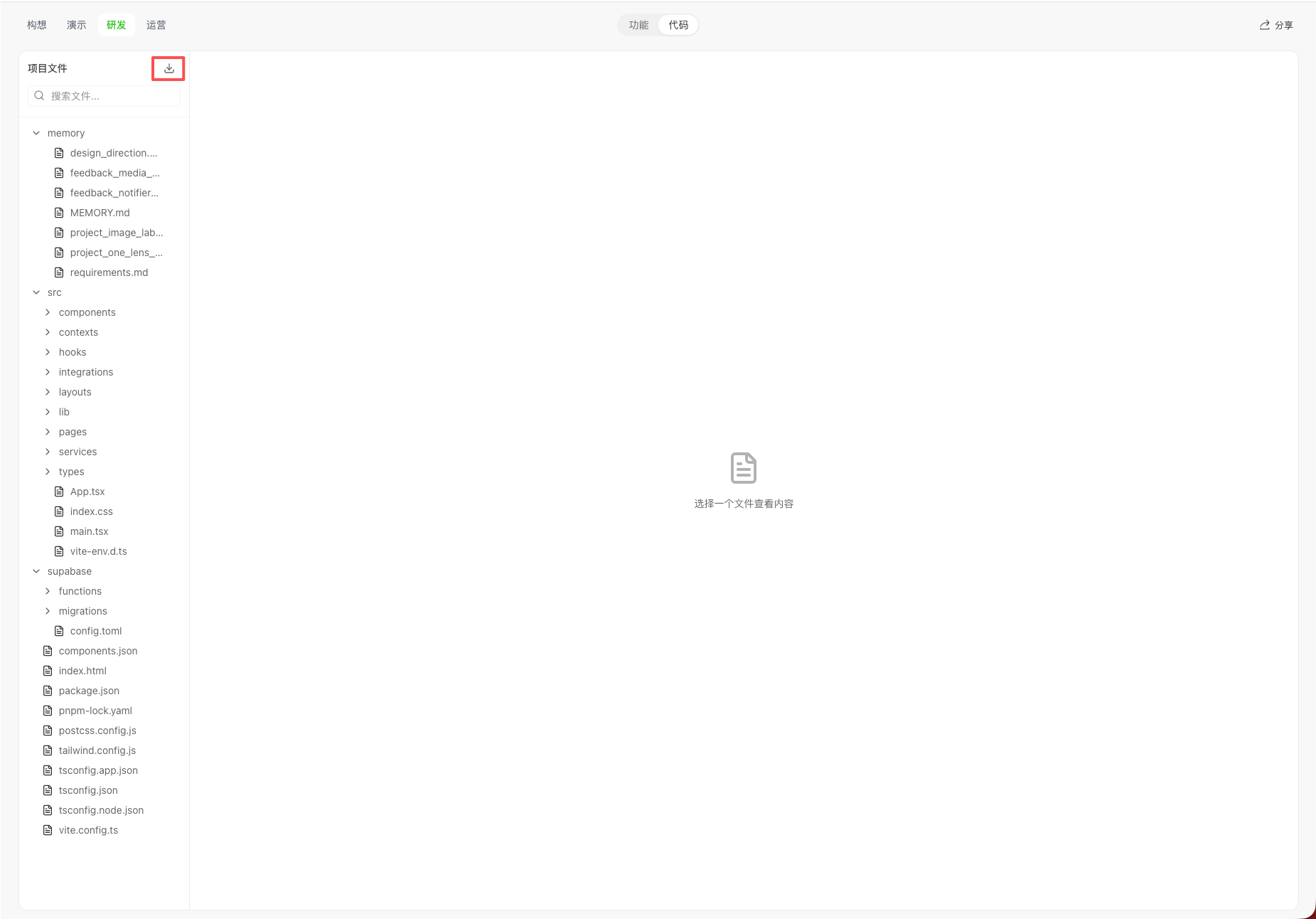
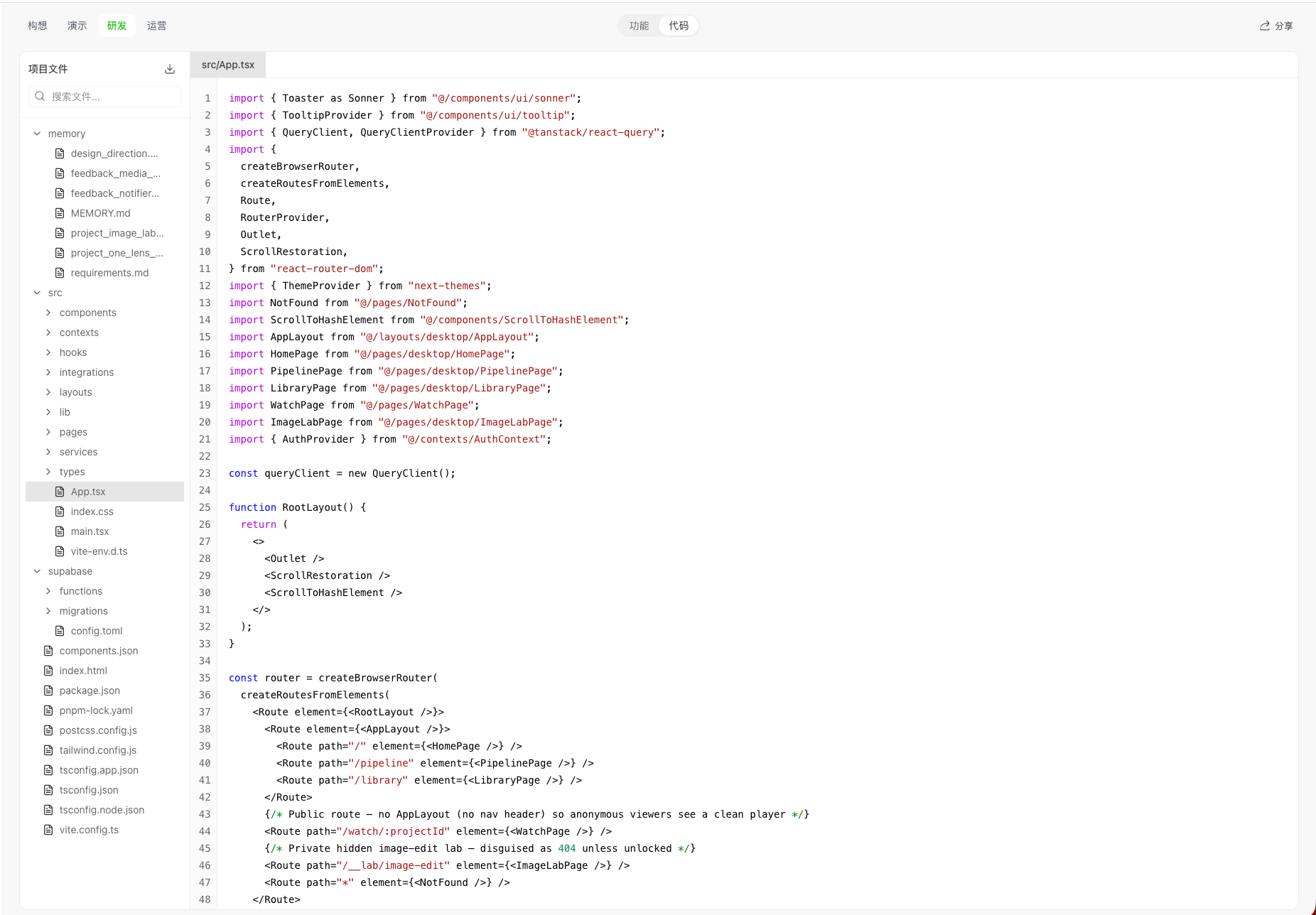
- Click Code under Features / Code at the top to switch from visual design to code view
- Browse and inspect the project’s code structure
How to download / export code (free · desktop app)
Download / export is completed in the desktop app. On the web, clicking download opens a guide that asks you to continue in the desktop app: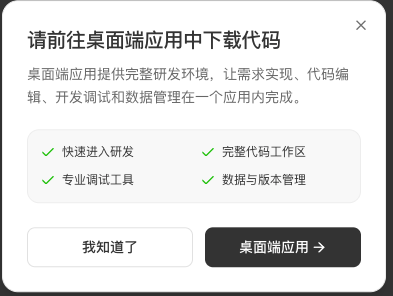
Steps
- Open the project on web or desktop, go to Build, open the code / project files entry, and click Download.
- On the web: a modal appears — “Please download code in the desktop app”. Click Desktop app to install or open the client (or choose Got it and continue later).
- After installing and signing in to the superun desktop client, complete download / export in the full code workspace.
- The export package includes project-referenced images and other assets. If a single asset cannot be exported, the system continues with the rest so the overall export does not fail. Before deploying, check the exported project for any fallback assets.
superun website
Visit the site to learn more about features and examples.