

Before publishing, run a quick security check to avoid leaking sensitive data. Publish may also suggest a Security scan (continue publishing / go to scan / don’t remind again—as in product).
Demo and Build dual versions
The same project can have both a Build version and a Demo version:- Build: connects to real capabilities and data for production delivery and go-live.
- Demo: can be published, shared, or unpublished independently — suited for external demos, acceptance, or marketplace previews. You can also one-click convert the current production app into a Demo (backend, plugins, and external services replaced with local mocks).
How to publish
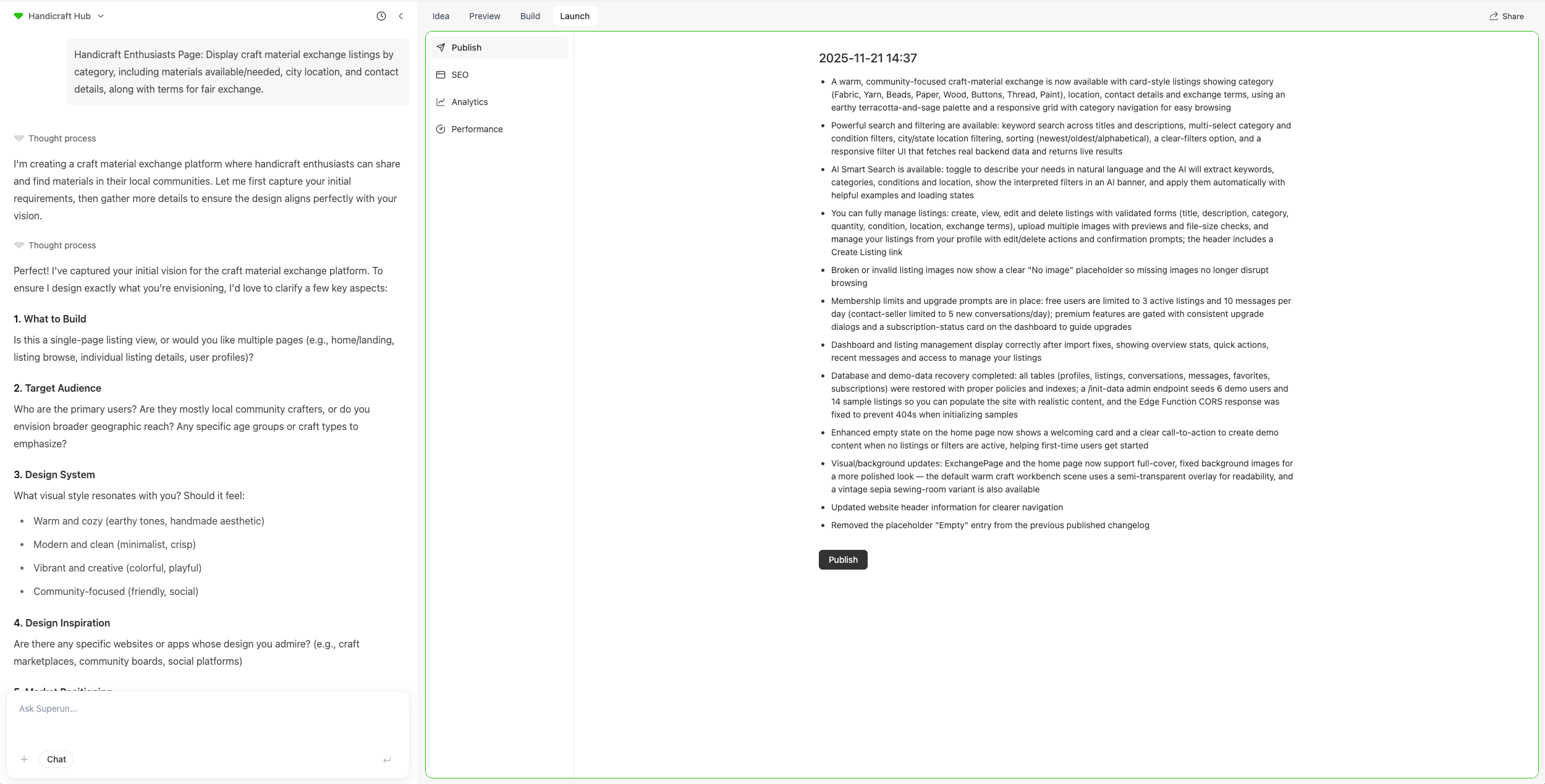
- In your project, go to Operations
- Open the Publish tab (confirm whether you are publishing Build or Demo)
- Click Publish to start publishing your project
- Wait for publishing to finish
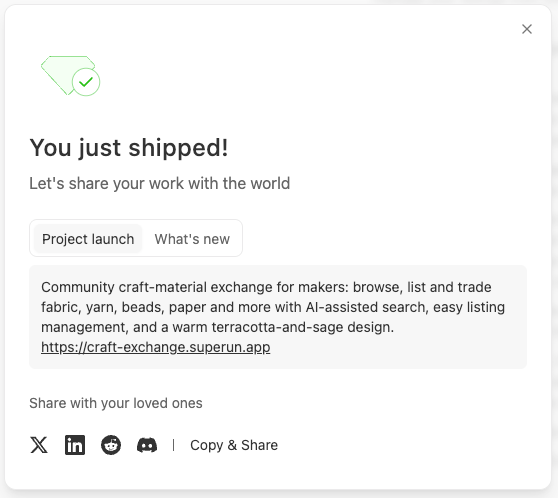
- After publish, share your project through the available channels
Private publish and search indexing
When publishing, you can choose Private publish. That sets no-index so search engines are asked not to index the site in search results.Independent test environment after go-live
After publish, verify login, database, or third-party integrations via Build → Skill Library → superun Cloud → Test environment (limited-time free, as in product). See Independent test environment.Cloud resources before publish
While a project is still in development and not published, it uses temporary cloud resources. If it sits unused, those resources are reclaimed, and backend features such as login verification codes stop working until you open the project again and resources are prepared. After you publish, the project gets fixed resources. Inactivity no longer reclaims them.FAQ and troubleshooting
- Publish errors: Often caused by build issues — ask the AI to investigate and fix first.
Publish App
Cloud-build the project as an Android / HarmonyOS / iOS installer and test it on a phone.
superun website
Visit the site to learn more about features and examples.