

Connect your Mini Program
First publish your project website. You need an Alipay enterprise Mini Program with H5 support and an account with developer access.-
Open the Mini Program in the Alipay developer console and copy its 16-digit AppID. Have your developer tool identity file ready in JSON format. You can reuse an existing file or generate your first identity key.
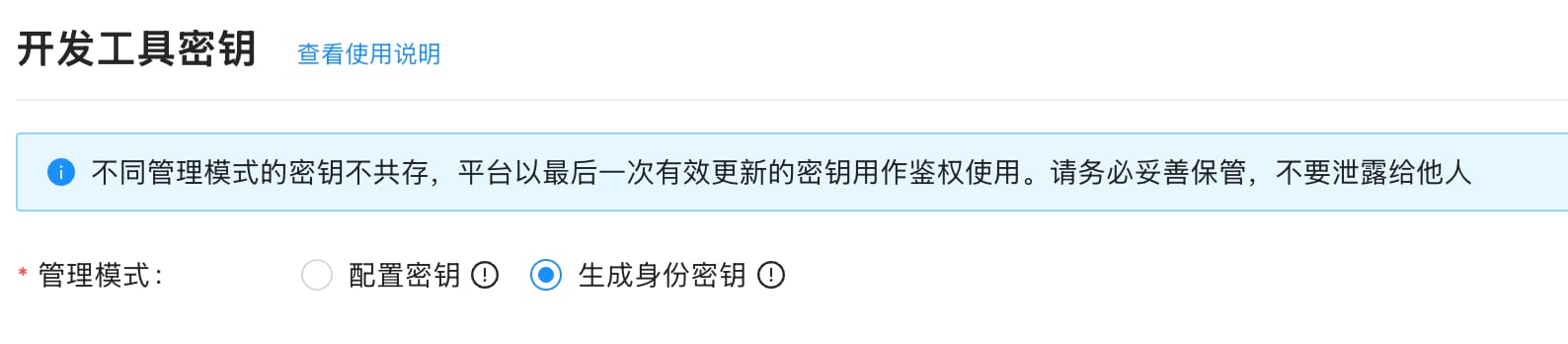
- As the superun project owner, open Operations → Use on mobile → Alipay Mini Program. Select Generate on your first visit. Under Configuration, connect the Mini Program by entering the AppID and uploading the JSON file, then save.
Verify the H5 domain
-
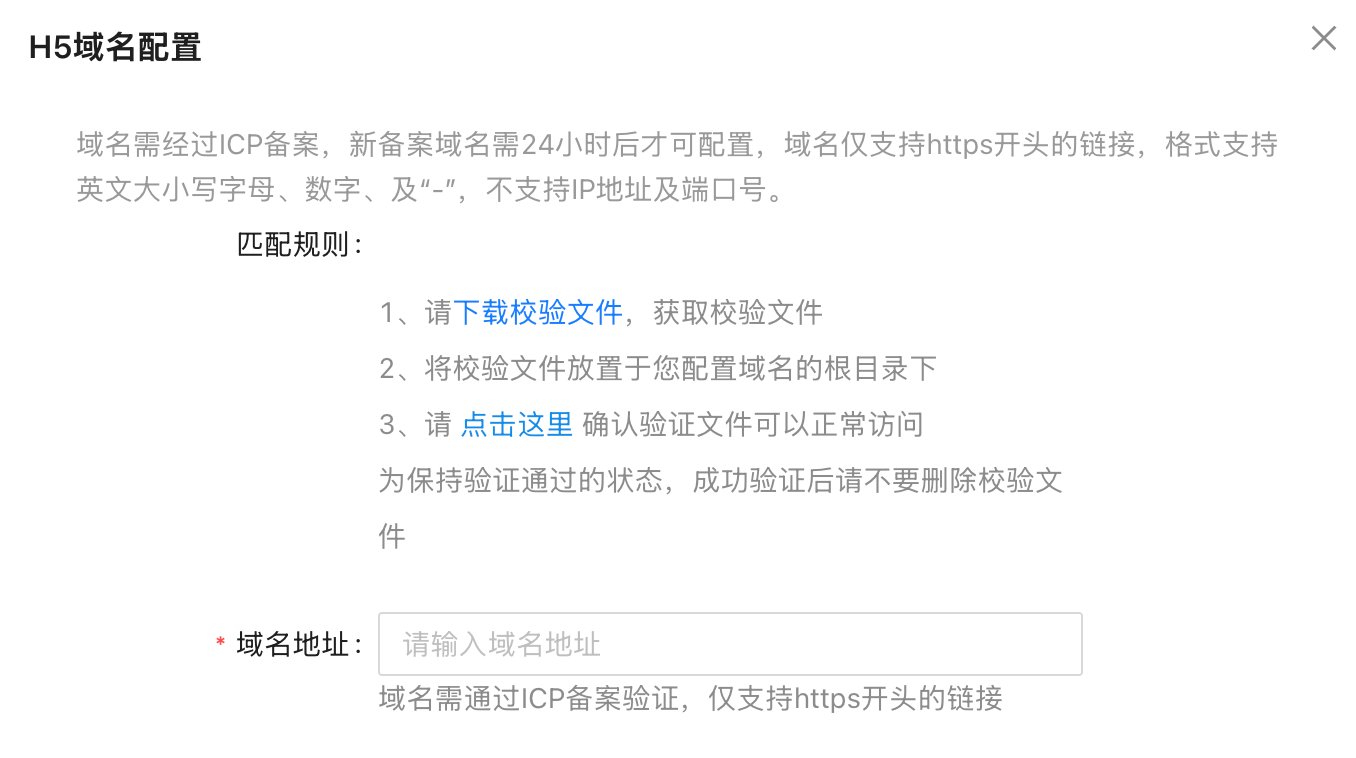
In superun, open Set up business domain. In Alipay, go to 开发设置 → H5 域名配置 (H5 domain settings), select 添加 (Add), and download the original
.htmlverification file.
- Return to superun and select Upload file and update website. This also publishes any pending website changes.
-
When the update finishes, copy the full HTTPS address shown in superun. Paste it into Alipay’s H5 domain settings, check the verification file, and submit the domain for review. Keep the file on your site after the domain is approved.
Add a test member and preview
In Alipay, open 成员管理 → 体验成员 → 添加体验成员 (Member management → Test members → Add a test member). Invite the account that will scan the code and ask the tester to accept the invitation under 消息 (Messages) in the Alipay app.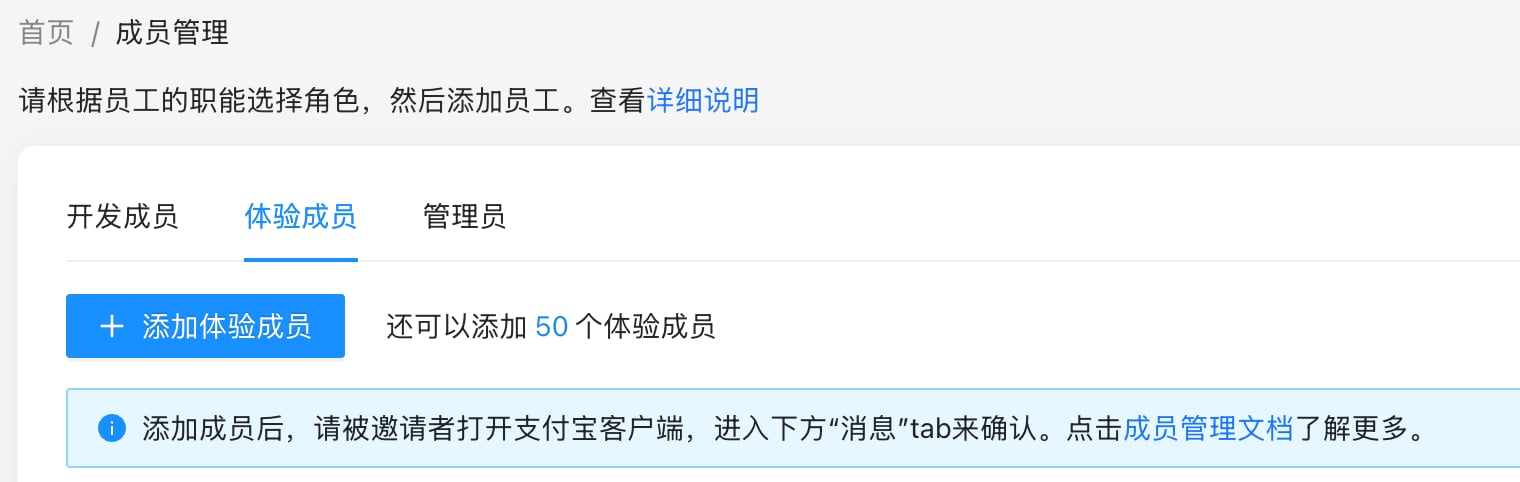
Upload and submit for review
Select Upload version for review, check the version number and notes, and upload. After the upload succeeds, follow the link to Alipay. Under 版本管理 (Version management), select the matching development version, complete the submission, and track its review and release in the Alipay console.