

Overview
The project feature list appears in the Build phase. It is a project-specific list of suggested features, generated from your product idea, design choices, and current project structure. Every project’s list is different. The goal is to help you add features quickly and complete the product.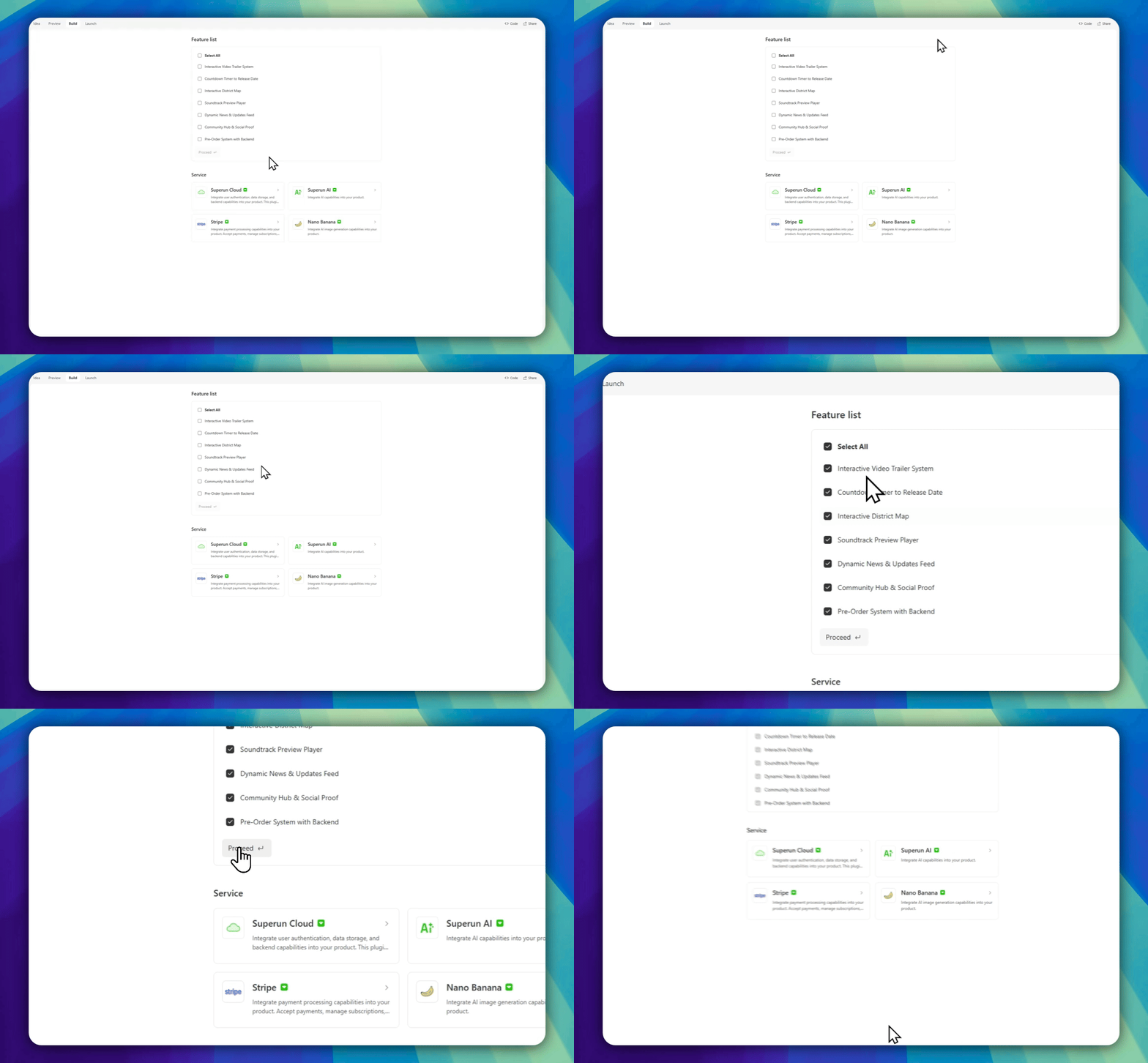
How it works
superun analyzes your project and suggests ways to:- Strengthen existing pages and interactions
- Add common but essential sections or detail pages
- Enable features that need backend support
What happens after you apply?
When you apply features, superun may:- Add or expand page content
- Improve overall content structure
- Enable required backend capabilities
When to use the feature list
When the overall product structure is mostly in place and you want to polish further, use the feature list to:- Fill missing details
- Improve usability and completeness
- Prepare for launch
superun website
Visit the superun website for more features and examples.