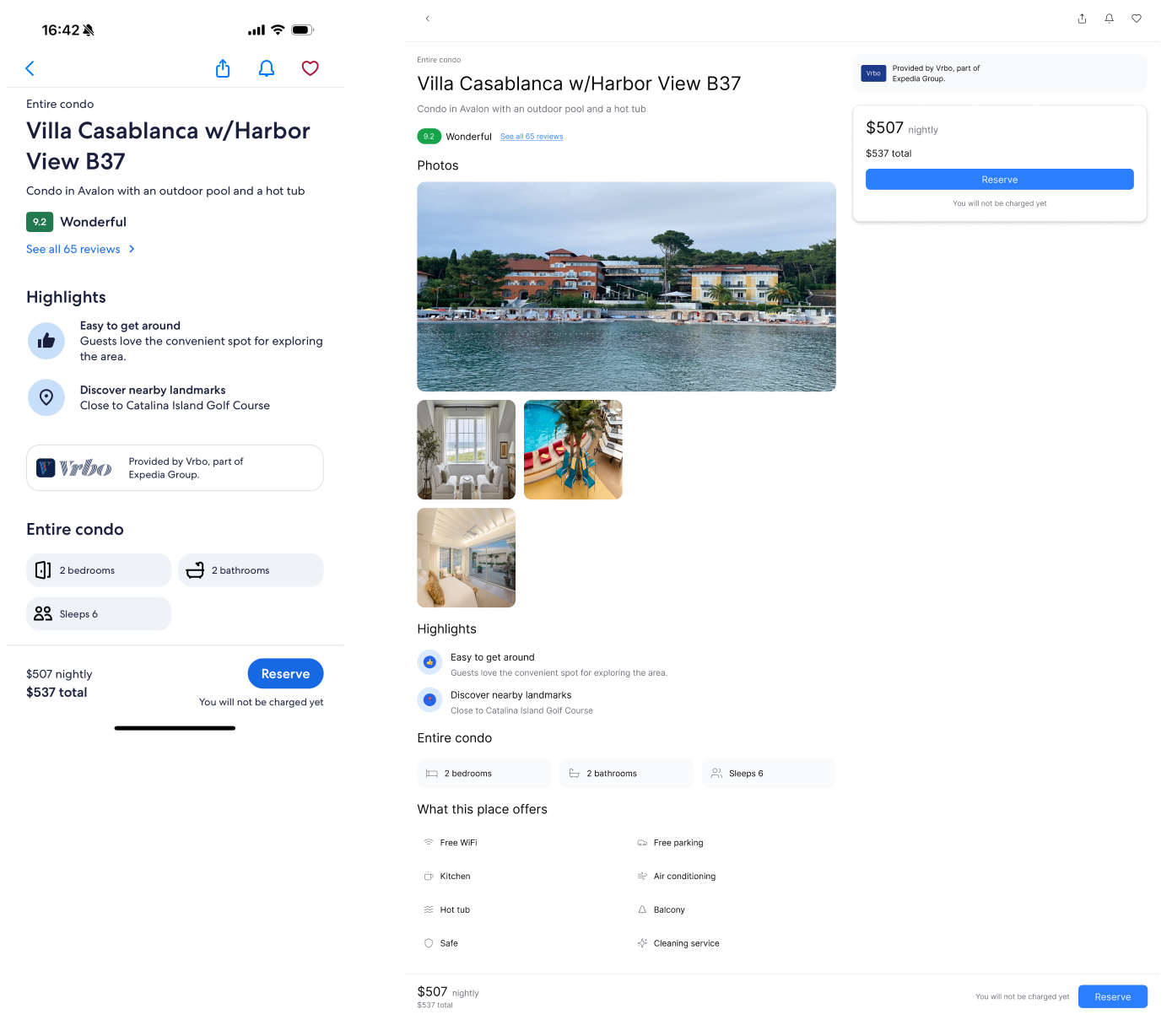
Scenario
You already have a beautifully designed page and want to expand more screens with the same visual style.Challenge
Manually keeping visual consistency across new pages takes a lot of time and effort.How prompt.to.design helps
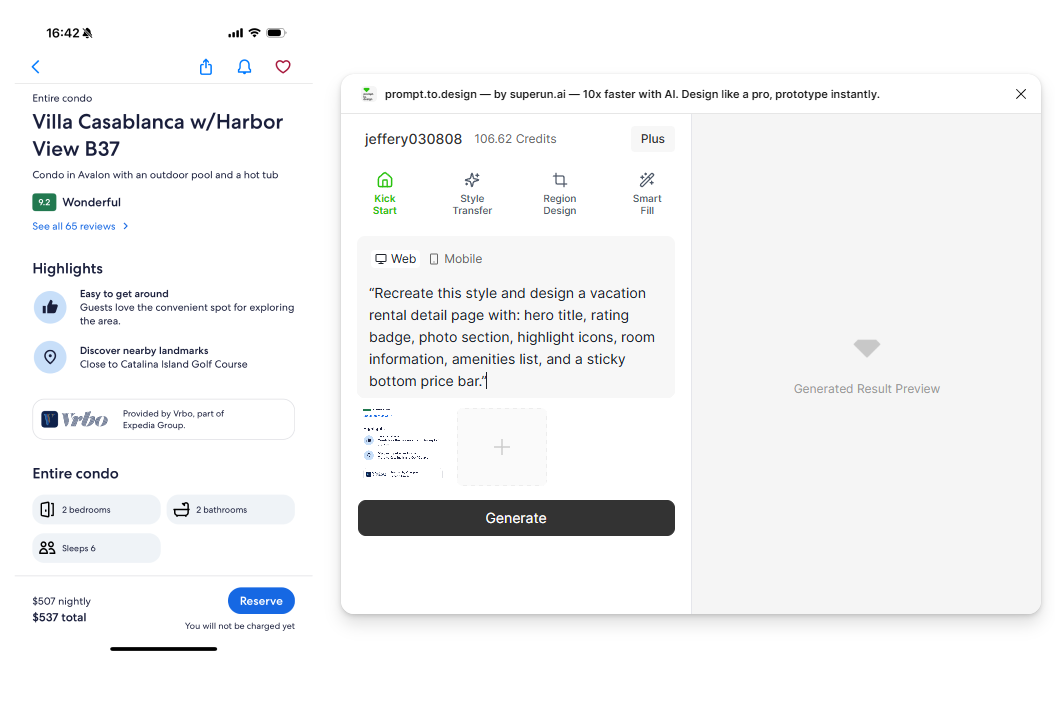
- Upload a reference image or select an existing Figma Frame
- Enter your prompt and choose the target device size
- Click Generate to let the plugin analyze the reference layout, spacing, colors, and style rules
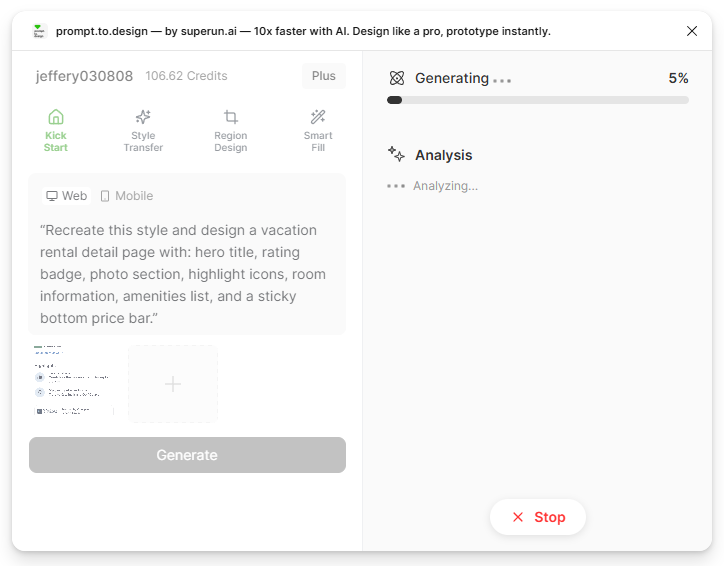
- Generation begins. The right panel will show prompt.to.design’s analysis of the reference style and your request.
- Review the generated result, refine if needed, or Import to Figma to continue your work.
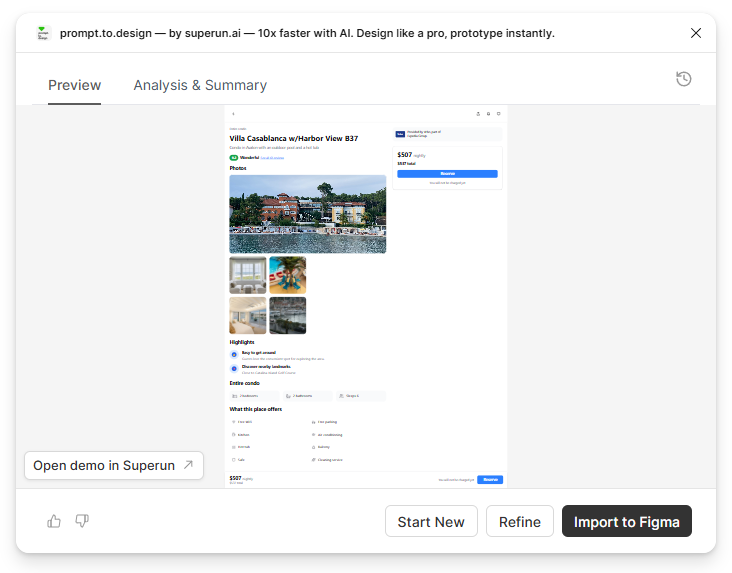
✔ The generated page matches the reference visually and remains fully editable in Figma