

This is useful when you want to refresh a card, redesign a section, or explore variations while keeping your page structure intact.
1. Select the Partial Redesign tab
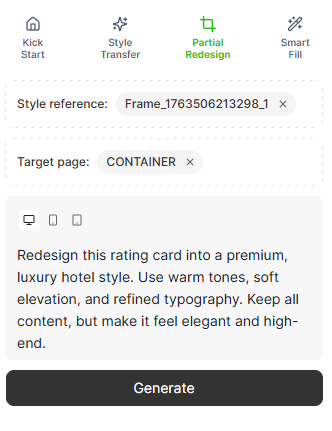
Open the prompt.to.design plugin and click the Partial Redesign tab.This mode allows you to pick an existing area inside a frame and regenerate just that part.
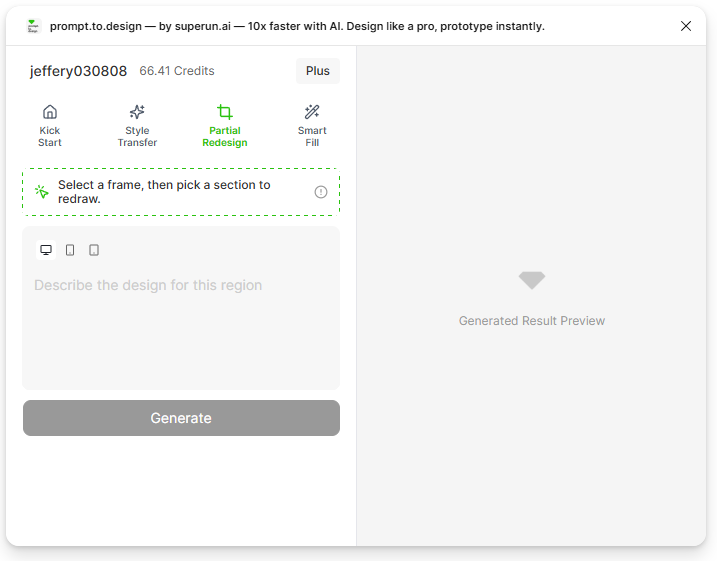
2. Select a frame that contains the region you want to redesign
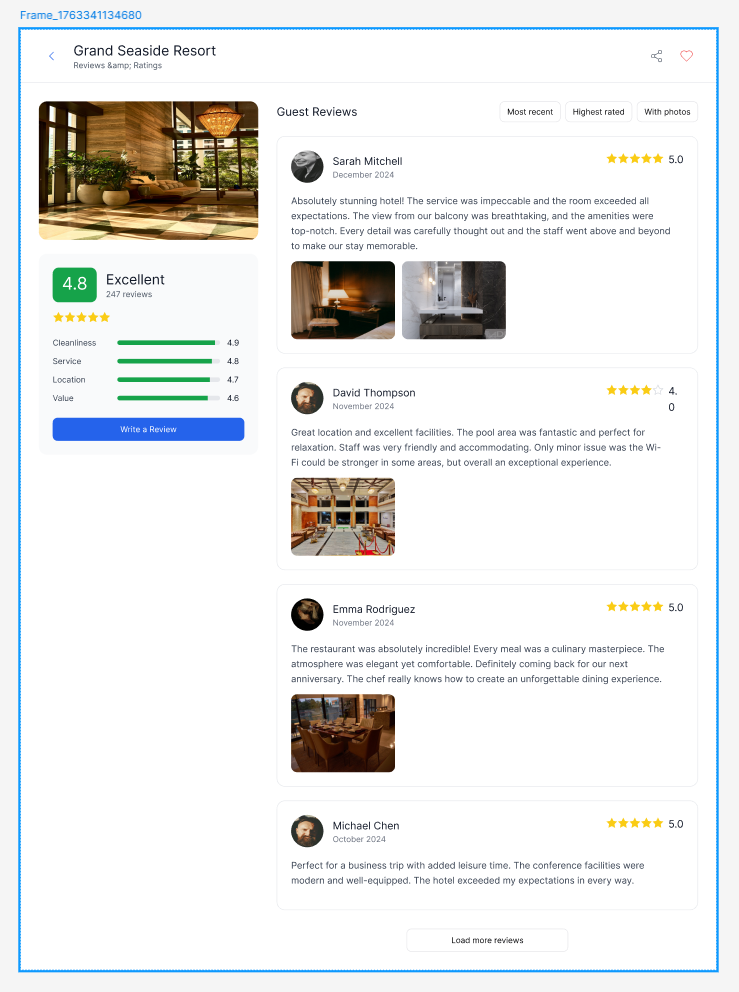
To begin, you must select an entire frame on your Figma canvas.The plugin needs to know which page you want to work inside before you can choose a specific region.
Why this step matters:
- Region Redesign only works when a frame is selected first
- If no frame is selected, the plugin cannot enter region-selection mode
- Once a frame is selected, the plugin will show the message:
“Select a region in the frame”

3. Select a region inside the frame
After selecting a frame, click on the specific area you want to redesign - for example, a card, a section, or a content block.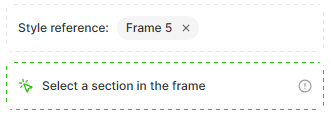
Recommended method (especially for beginners):
Use the left-side Figma Layer Panel to select the exact region. This ensures you pick the correct component or container even when layers are nested.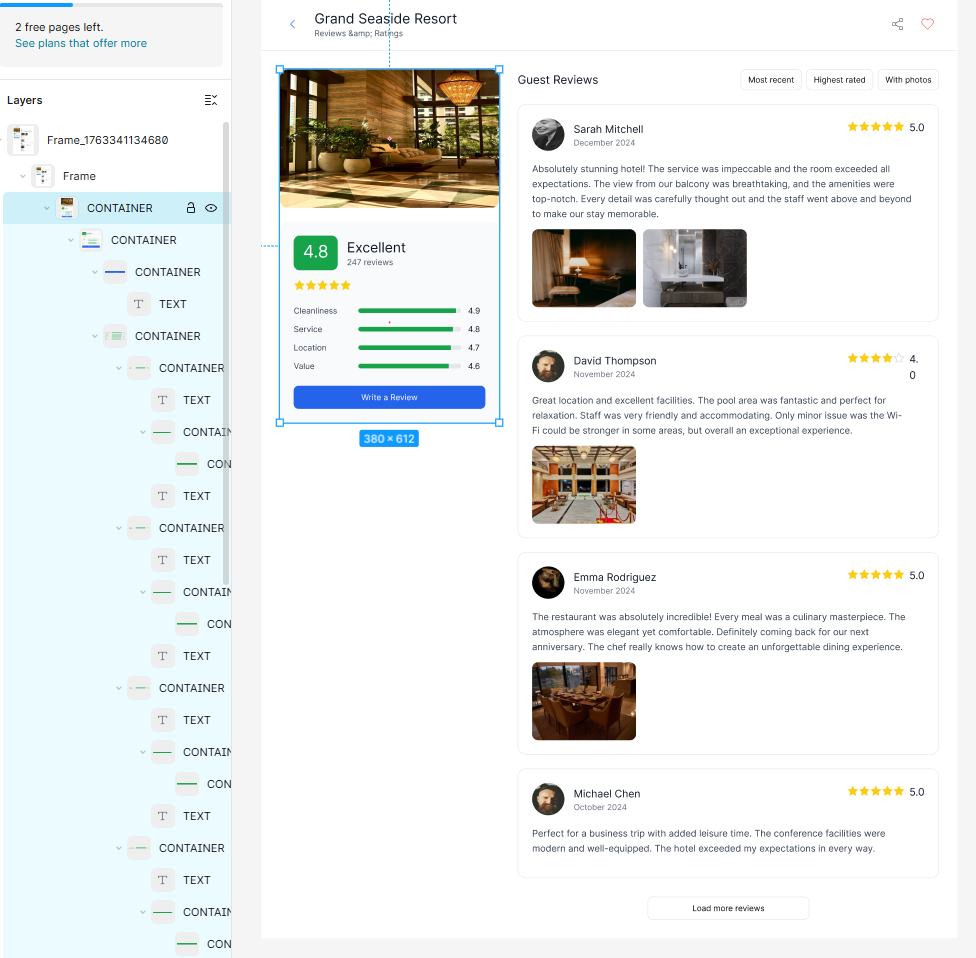
4. Describe what you want to update in the selected region
Type a short prompt describing how you want the selected area to be redesigned.Only the chosen region will be updated - the rest of your page stays unchanged. Example prompt:
“Redesign this rating card into a premium, luxury hotel style.
Use warm tones, soft elevation, and refined typography. Keep all content, but make it feel elegant and high-end.”
5. Generate and review redesigned previews
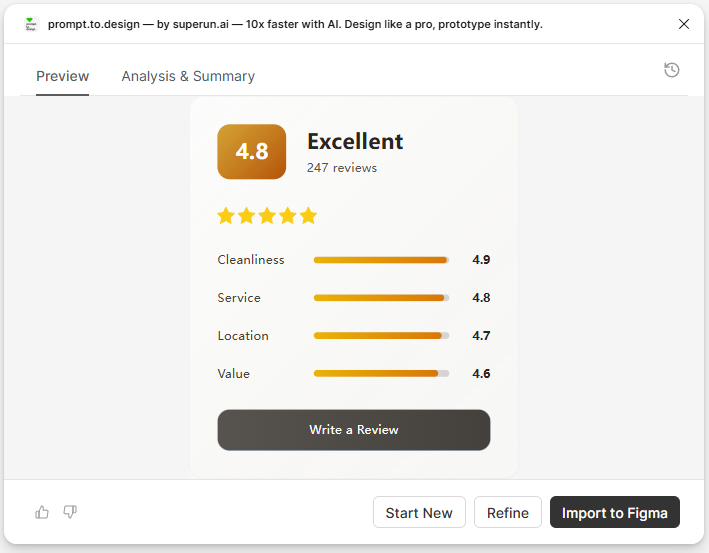
Click Generate to create new variations of the selected region.The preview will show new designs that match your frame’s existing style system. You can scroll or zoom to compare different versions.
6. Insert the redesigned region into Figma
Click Insert to Figma to apply the new version.Only the selected area will be replaced - the rest of the frame will remain exactly the same. The updated region will appear as fully editable Figma layers.

Summary
With Partial Redesign, you can:- Update only one part of a page without affecting the rest
- Explore multiple design variations quickly
- Keep your page structure and spacing unchanged
- Maintain stylistic consistency across your layout
- Edit all generated output as native Figma layers