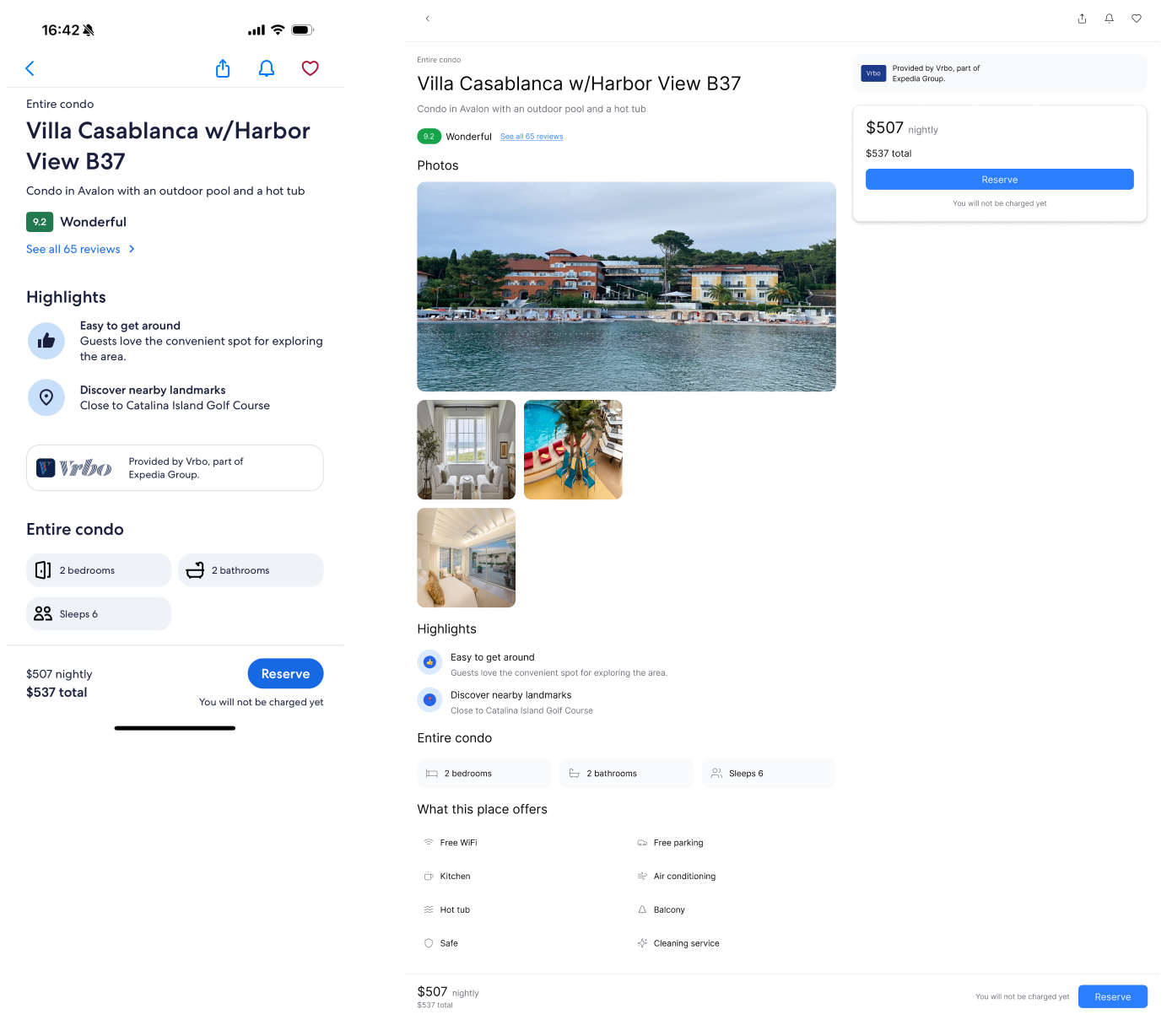
場景
您已經擁有一個設計精美的頁面,並希望擴展更多具有相同視覺風格的屏幕.挑戰
手動保持新頁面之間的視覺一致性需要花費大量時間和精力.如何讓 prompt.to.design 提供協助
- 上傳參考圖像或選擇現有 Figma 框架
- 輸入提示並選擇目標設備尺寸
- 點擊生成讓插件分析參考佈局,間距,color和样式規則
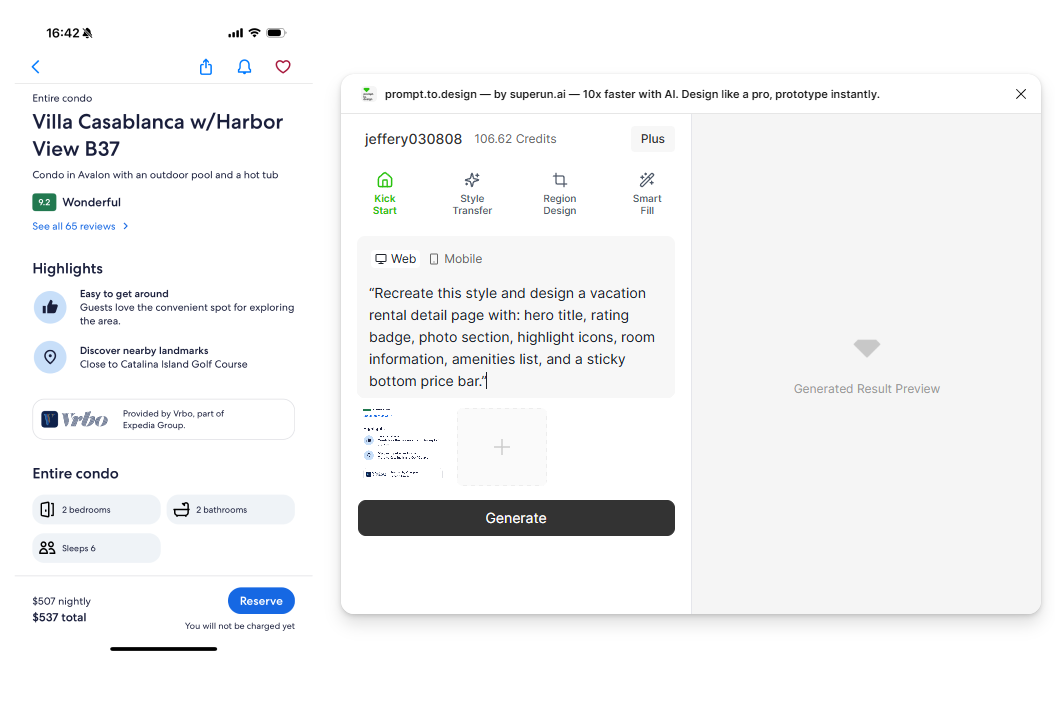
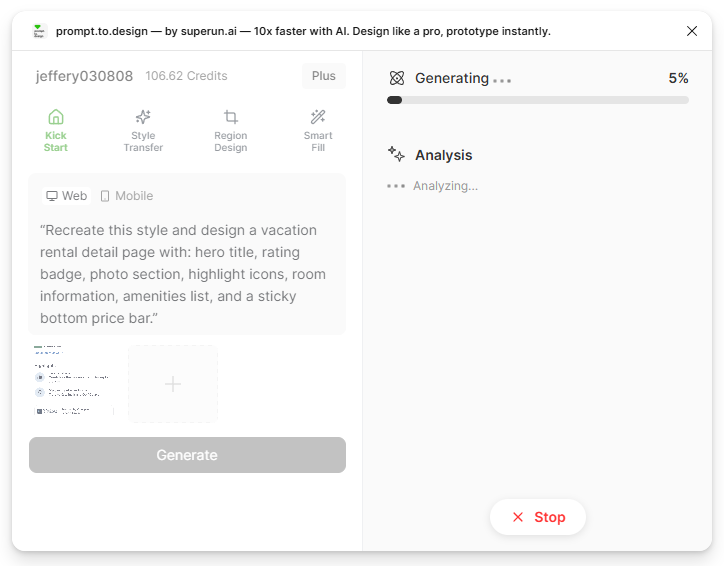
- 生成開始.右側面板將顯示 prompt.to.design 對參考風格與您請求的分析結果.
- 查看生成的結果,如有需要進行完善,或導入到 Figma to continue your work.
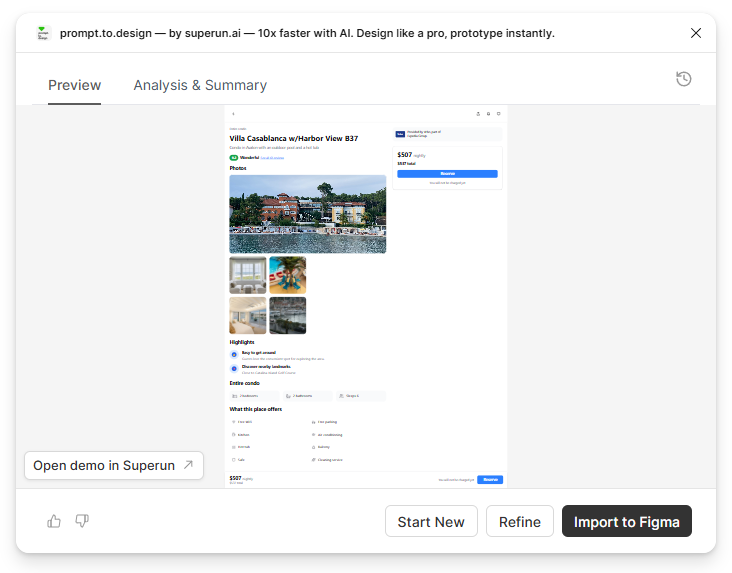
✔ The generated page matches the reference visually and remains fully editable in Figma