> ## Documentation Index
> Fetch the complete documentation index at: https://docs.superun.ai/llms.txt
> Use this file to discover all available pages before exploring further.

# 快速擴展多頁面流程

## 場景

完整的用戶流程需要 10-20 個頁面.

## 挑戰

手動設計每個頁面會大大減慢項目速度.

## 如何讓 prompt.to.design 提供協助

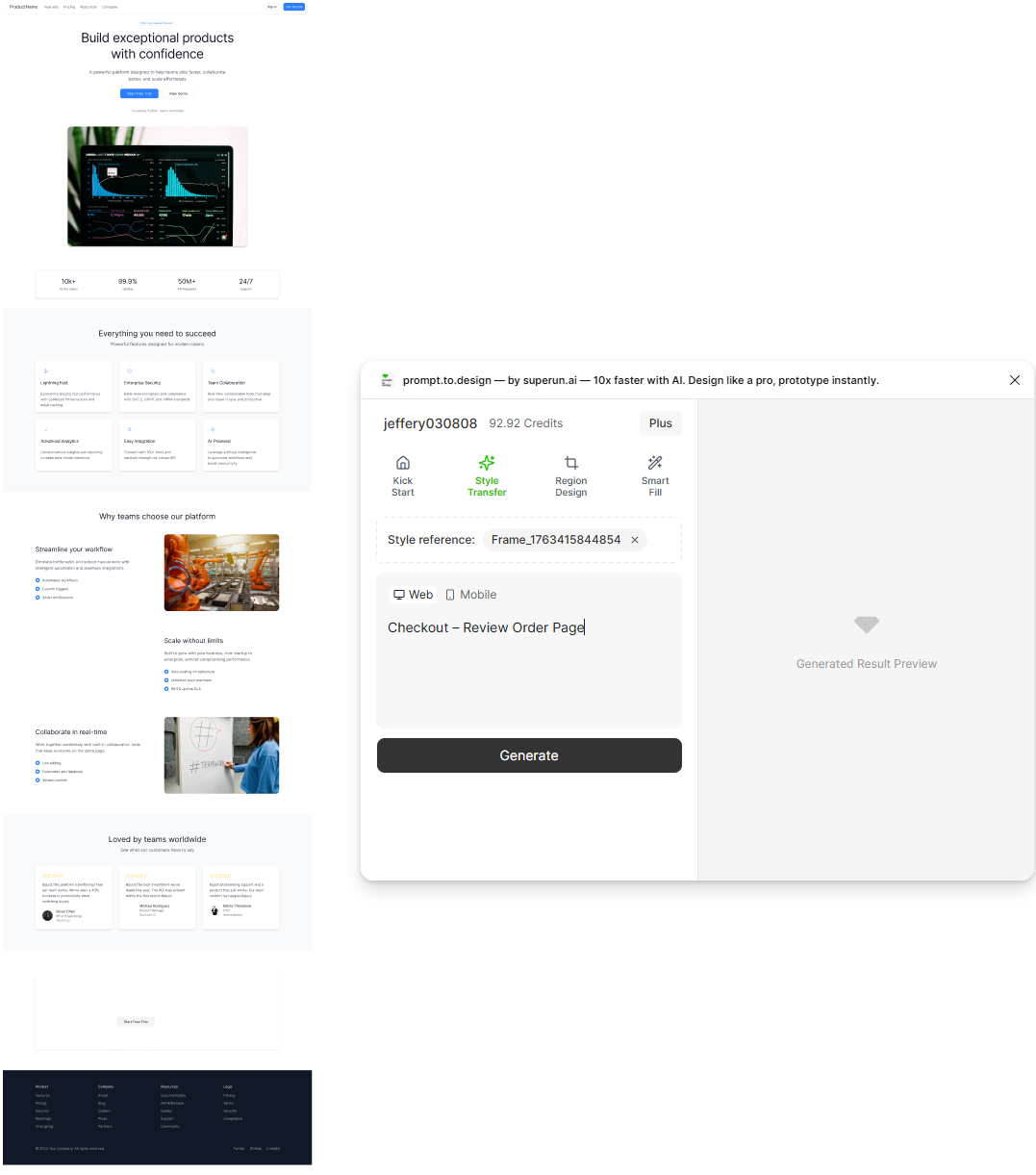
* 使用一頁精心設計的頁面作為參考
* 輸入您的第一個提示以生成頁面 A
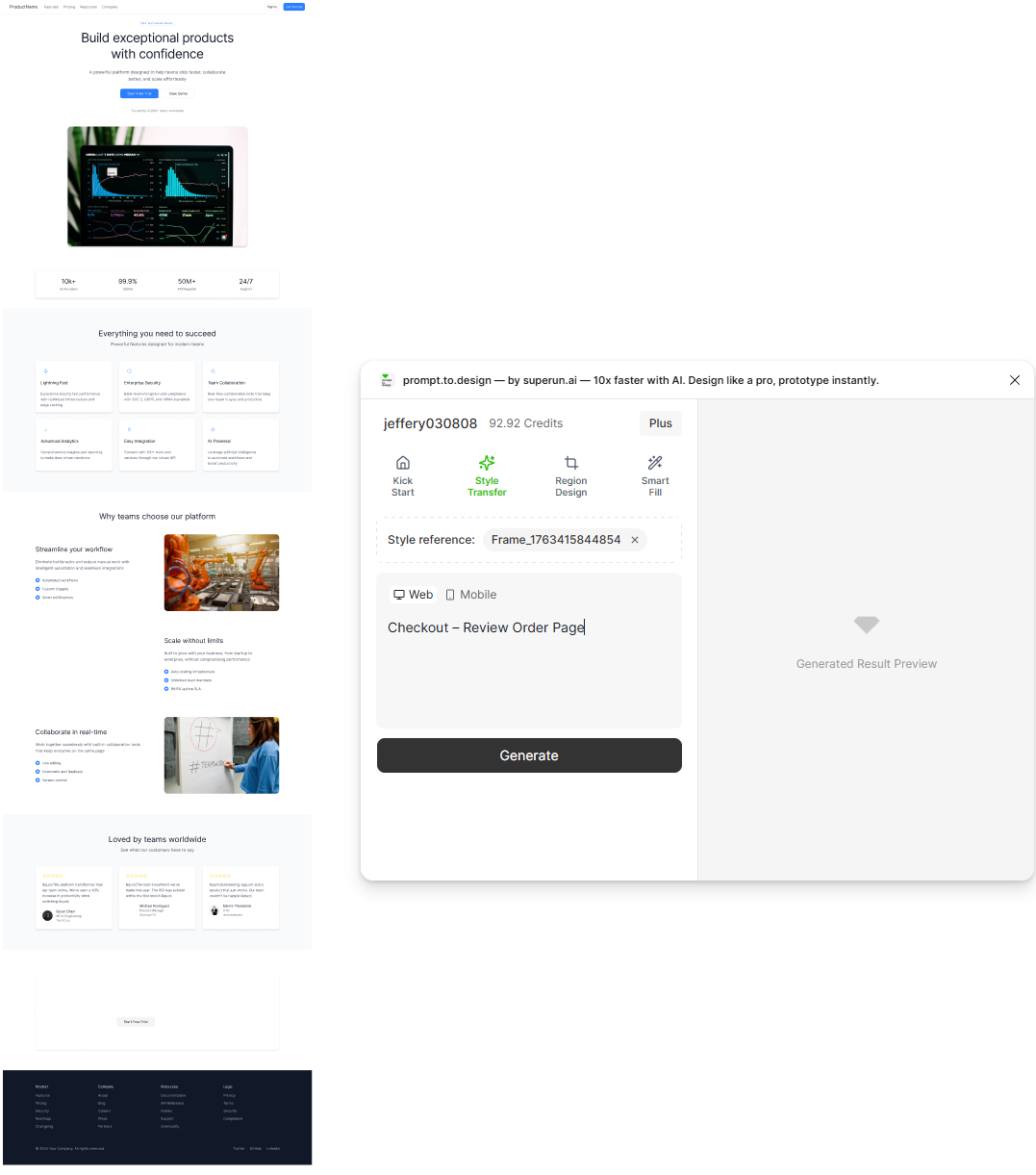
* 然後輸入第二個提示來生成頁面B
* 兩個頁面繼承相同的佈局系統和視覺style

### 第一個提示（A 頁）

<img src="https://mintcdn.com/uxarts/UM9wkb-xhueNg0Cg/images/expand/1_A.png?fit=max&auto=format&n=UM9wkb-xhueNg0Cg&q=85&s=310865e7a9e838c42c1ecc9178eb59e1" alt="Generating page A from reference" style={{ marginTop: '1rem', borderRadius: '8px' }} width="1077" height="1221" data-path="images/expand/1_A.png" />

### 第二個提示（B 頁）

<img src="https://mintcdn.com/uxarts/UM9wkb-xhueNg0Cg/images/expand/1_B.png?fit=max&auto=format&n=UM9wkb-xhueNg0Cg&q=85&s=97cc8dc46d067bcf9cf54784aa146acd" alt="Generating page B from the same reference" style={{ marginTop: '1rem', borderRadius: '8px' }} width="1077" height="1221" data-path="images/expand/1_B.png" />

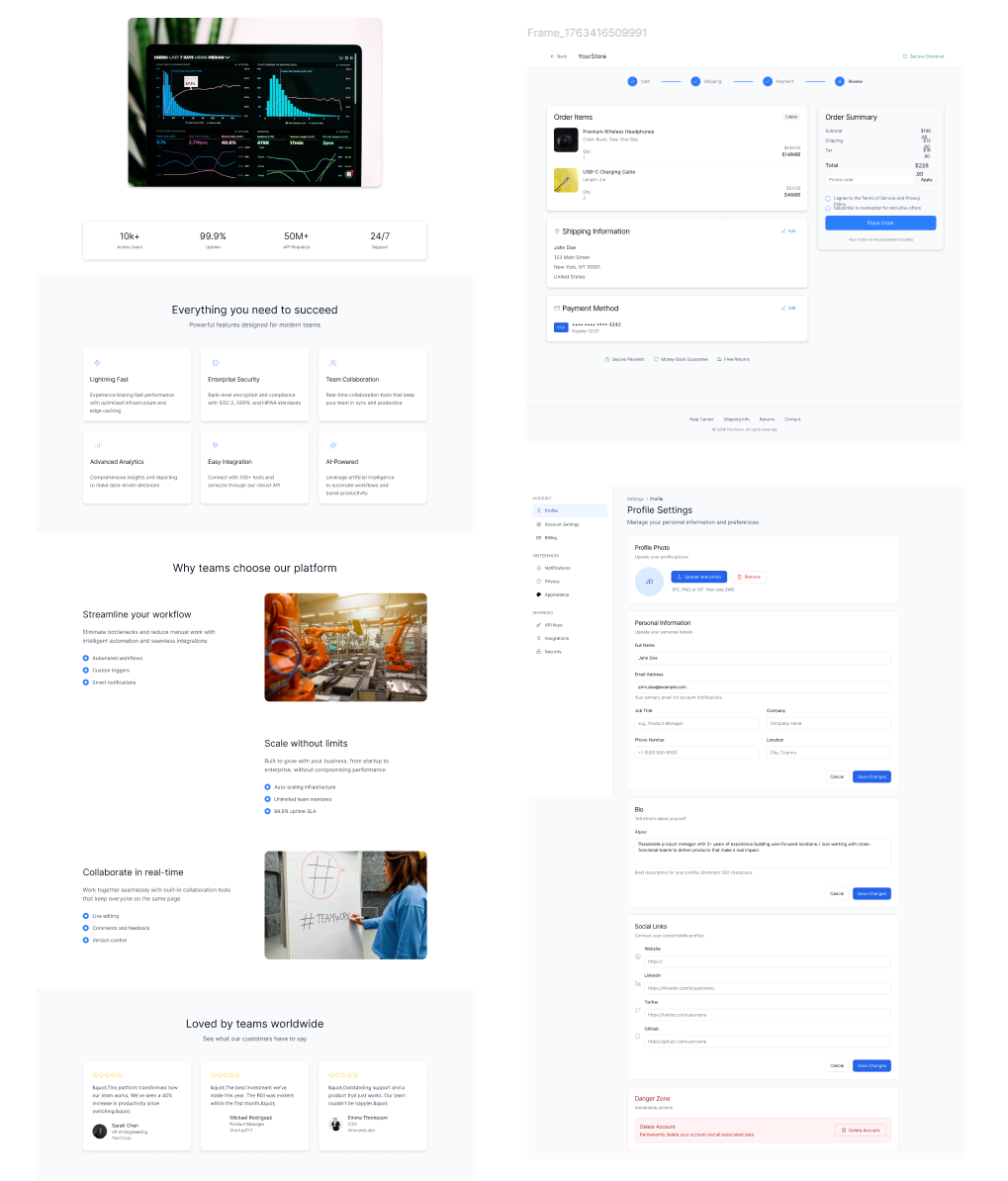
* 生成兩個頁面後,您可以將它們組合起來以快速擴展您的多頁面流程.

***

## ✔ 在幾分鐘內構建完整的產品流程,並具有一致的佈局和style
<img src="https://mintcdn.com/uxarts/UM9wkb-xhueNg0Cg/images/expand/2.png?fit=max&auto=format&n=UM9wkb-xhueNg0Cg&q=85&s=bdf01a4f09a817066b06c7e0cf0b18bb" alt="Combined multi-page output" style={{ marginTop: '1rem', borderRadius: '8px' }} width="1019" height="1194" data-path="images/expand/2.png" />