> ## Documentation Index
> Fetch the complete documentation index at: https://docs.superun.ai/llms.txt
> Use this file to discover all available pages before exploring further.

# 将会议记录转化为 UI 模型

## 场景

你们的产品经理刚刚说:“我们需要一个新的奖励页面,其中包含徽章,进度和历史记录.”

## 挑战

将杂乱的会议记录转变为可用的用户界面是缓慢且重复的.

## 如何让 prompt.to.design 提供协助

* 将会议记录直接粘贴到提示中
* 该插件解释内容并识别结构
* 在几秒钟内生成干净,分段的 UI 布局
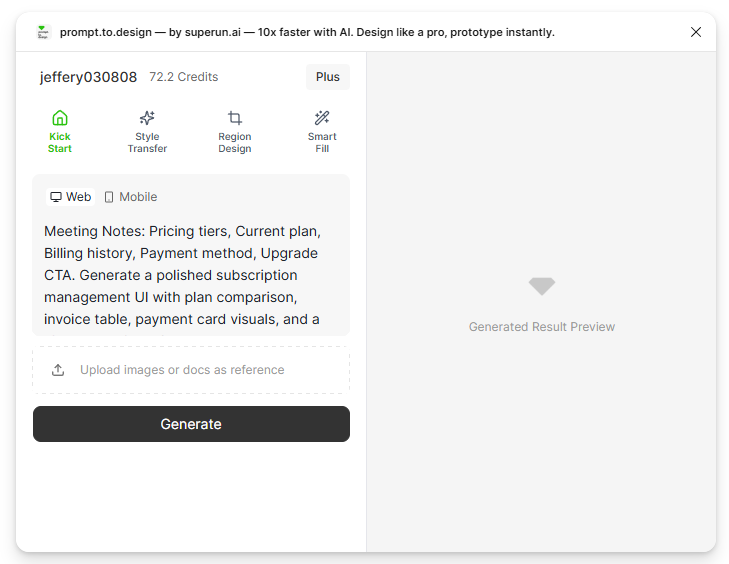
<img src="https://mintcdn.com/uxarts/UM9wkb-xhueNg0Cg/images/meeting-note/1.png?fit=max&auto=format&n=UM9wkb-xhueNg0Cg&q=85&s=e5cb993cf734975c2027f84b8edcf2fb" alt="Pasting meeting notes into prompt" style={{ marginTop: '1rem', borderRadius: '8px' }} width="729" height="564" data-path="images/meeting-note/1.png" />

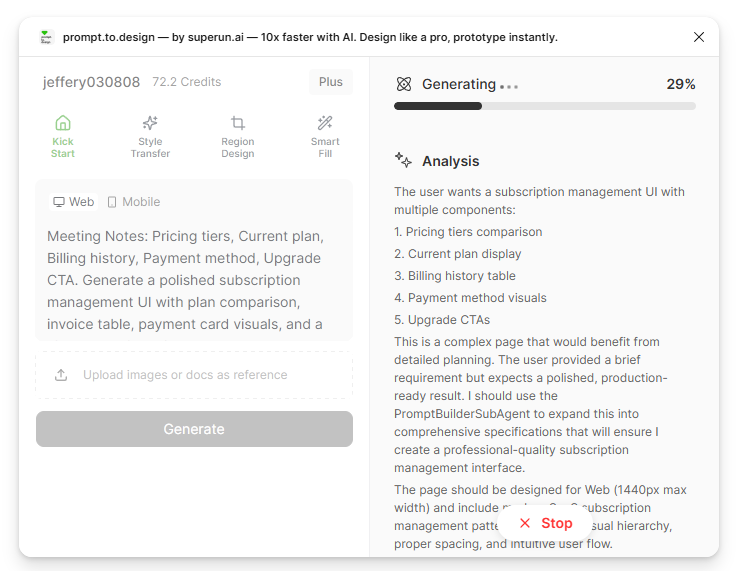
* 一代开始.右側面板display了人工智能对筆记的解释和分解.

<img src="https://mintcdn.com/uxarts/UM9wkb-xhueNg0Cg/images/meeting-note/2.png?fit=max&auto=format&n=UM9wkb-xhueNg0Cg&q=85&s=76a5127799ee6b5992885445282efd00" alt="AI interpreting meeting notes" style={{ marginTop: '1rem', borderRadius: '8px' }} width="737" height="571" data-path="images/meeting-note/2.png" />

* 查看生成的布局,完善细节,或**导入到 Figma**

<img src="https://mintcdn.com/uxarts/UM9wkb-xhueNg0Cg/images/meeting-note/3.png?fit=max&auto=format&n=UM9wkb-xhueNg0Cg&q=85&s=538dfac5ec40f5abd0cef4bde0945fe0" alt="Preview of UI generated from notes" style={{ marginTop: '1rem', borderRadius: '8px' }} width="736" height="571" data-path="images/meeting-note/3.png" />

***

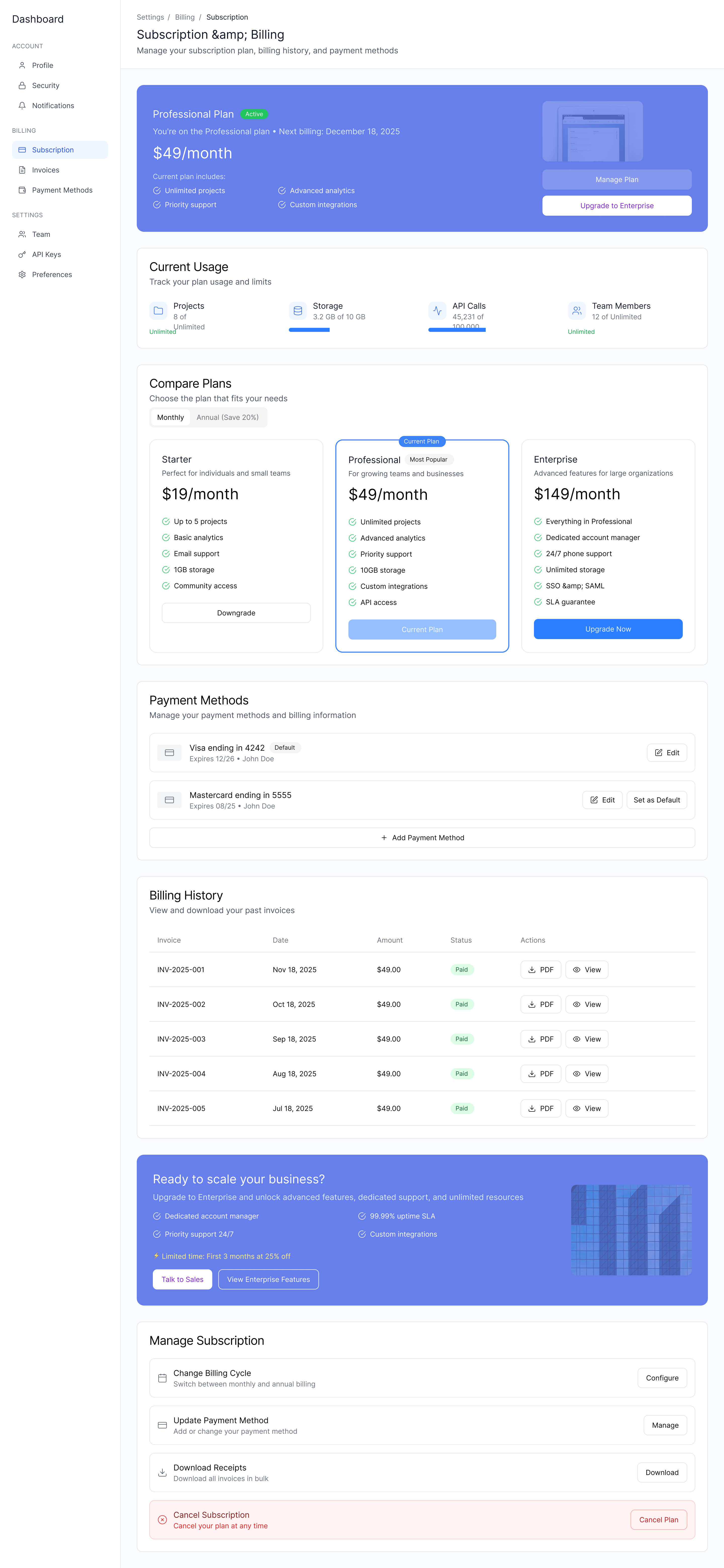
## ✔ 会议结束几分钟后生成可供审核的屏幕

<img src="https://mintcdn.com/uxarts/UM9wkb-xhueNg0Cg/images/meeting-note/4.png?fit=max&auto=format&n=UM9wkb-xhueNg0Cg&q=85&s=dcb7175ac1307b80518f1ca246211141" alt="Final UI created from meeting notes" style={{ marginTop: '1rem', borderRadius: '8px' }} width="2880" height="6237" data-path="images/meeting-note/4.png" />