> ## Documentation Index
> Fetch the complete documentation index at: https://docs.superun.ai/llms.txt
> Use this file to discover all available pages before exploring further.
# My Skills
> Learn how to browse, manage, and use official, personal, and team skills in superun.
## What it is
Skills give superun reusable context and guidance for your work:
* **Official skills** are provided and maintained by superun for common workflows.
* **Personal skills** belong only to the currently signed-in user.
* **Team skills** are shared with one specific team and are available to that team's projects.
***
## Skill Library in a project
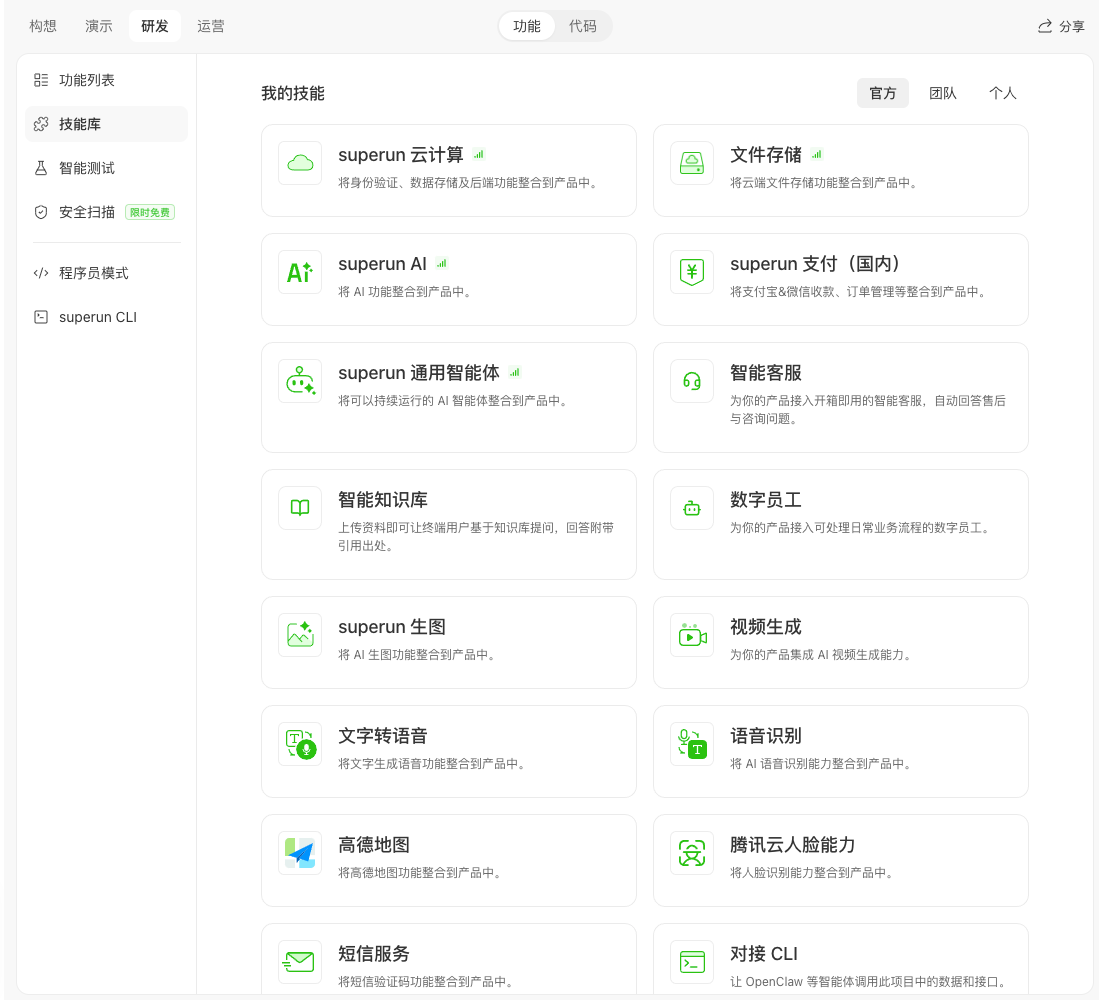
In a project, go to **Build → Features → Skill Library**. The library is organized into three tabs: **Official**, **Team**, and **Personal**.
### Official skills
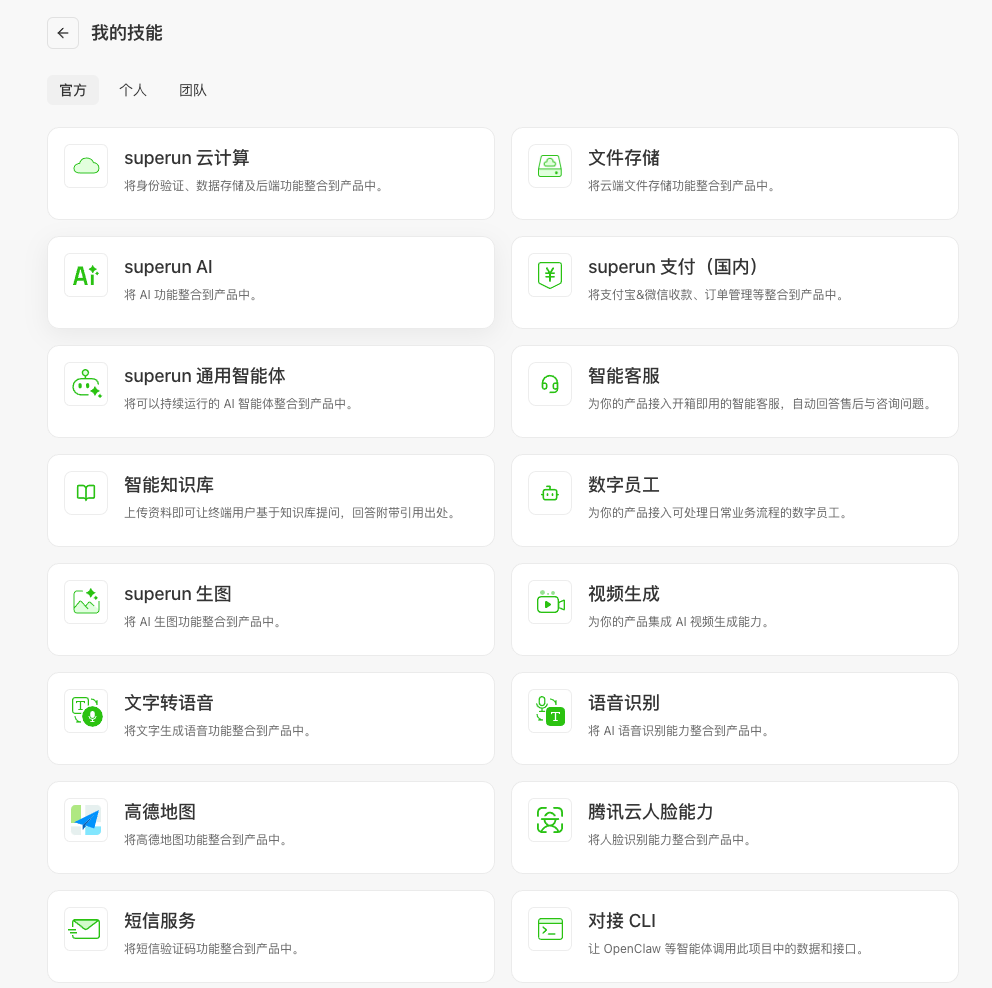
Browse available skills in the **Official** tab. Click a card to read its description, then follow the on-screen guidance to configure it.
 ### Personal skills
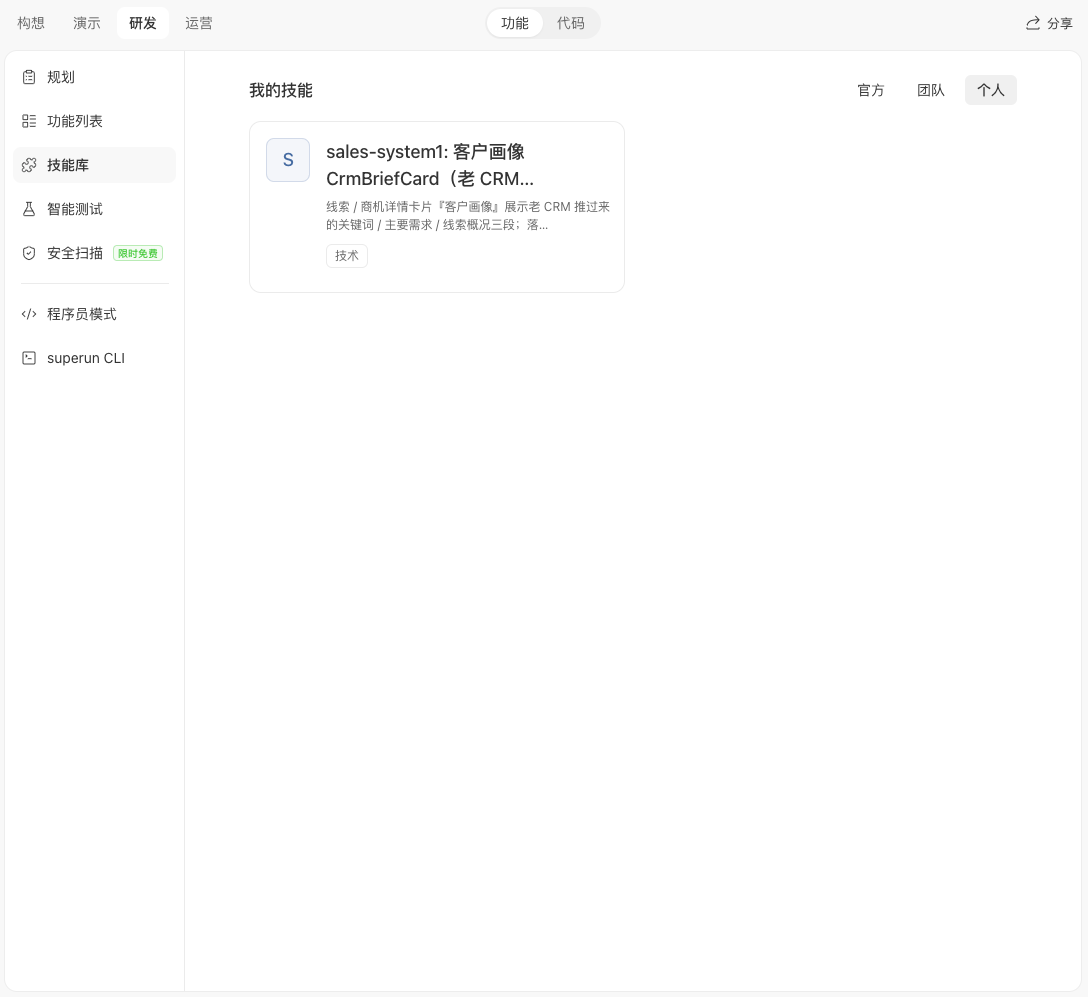
Personal skills are private to the currently signed-in user. At present, they are created by converting items from **My Memories** into skills.
You will not see private skills belonging to the project owner or other collaborators. Uploading skill files directly is **coming soon**.
### Personal skills
Personal skills are private to the currently signed-in user. At present, they are created by converting items from **My Memories** into skills.
You will not see private skills belonging to the project owner or other collaborators. Uploading skill files directly is **coming soon**.
 ### Team skills
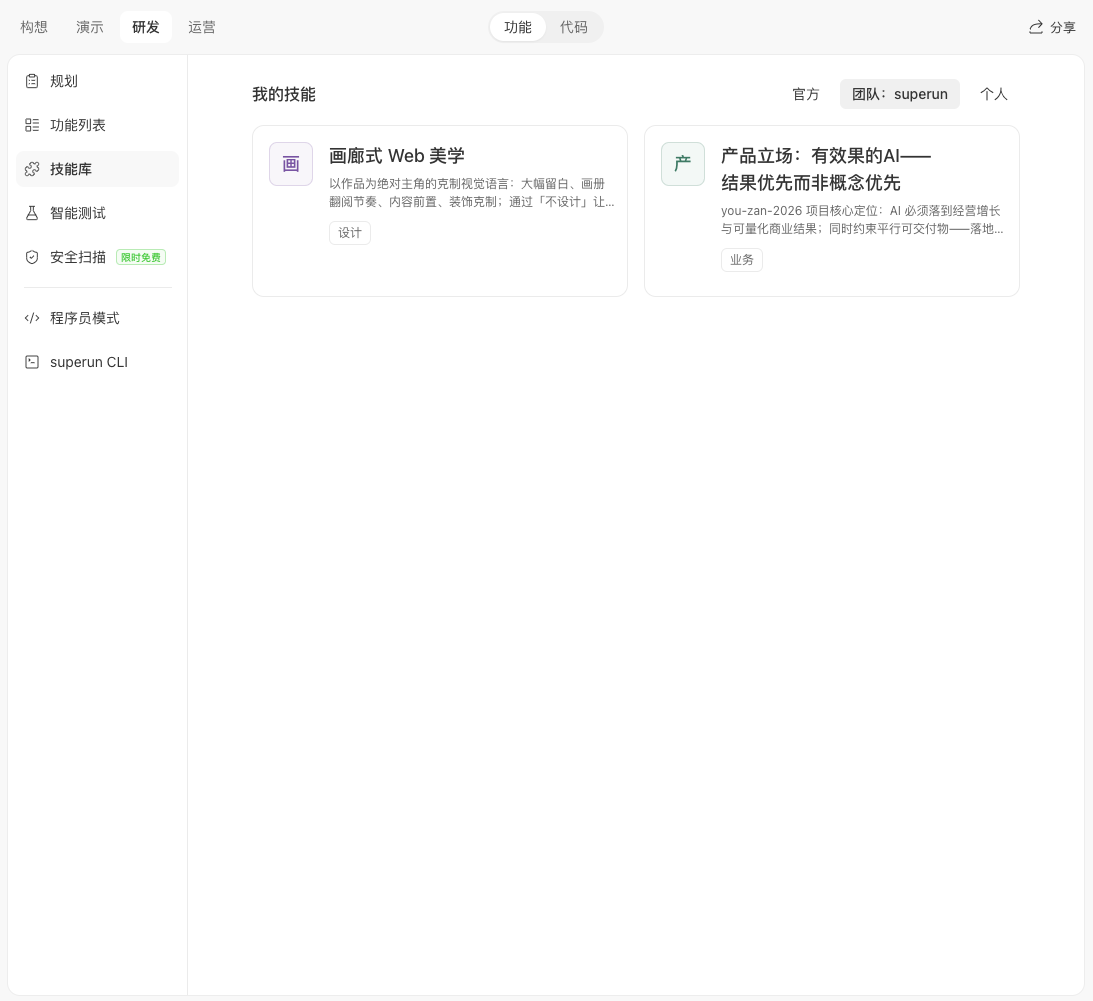
The **Team** tab shows only skills whose team association exactly matches the team that owns the current project. Team skills are unavailable in personal projects, and you can use them together with your personal skills.
### Team skills
The **Team** tab shows only skills whose team association exactly matches the team that owns the current project. Team skills are unavailable in personal projects, and you can use them together with your personal skills.
 ***
## Manage My Skills
Open the avatar menu and select **My Skills**.
***
## Manage My Skills
Open the avatar menu and select **My Skills**.
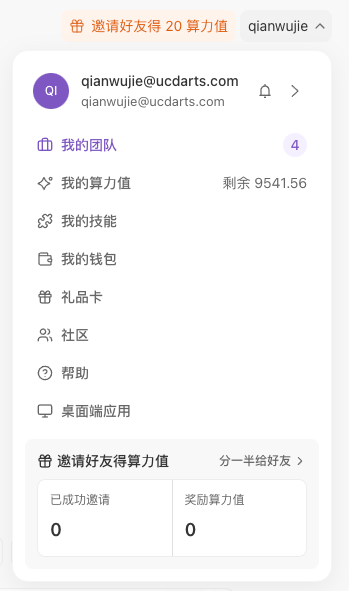 The standalone **My Skills** page has **Official**, **Personal**, and **Team** tabs. Use it to browse official skills, manage your personal skills, and review skills shared with your teams.
 ### Shortcut from a project
You can also open the project name menu and select **My Skills**. The destination depends on the project's progress:
* Before development begins, it opens the standalone **My Skills** page.
* After development begins, it opens the current project's Skill Library.
* Some older projects open the in-project Skill Library directly.
***
## Share a skill with a team
You can share a personal skill with a team you belong to:
1. Open the skill on **My Skills → Personal**.
2. Choose the team to share it with and submit the request.
3. Track the sharing status on the skill.
The skill creator remains its creator. Sharing also records your team-member identity and one of these review states:
* **Not shared**: the skill is not associated with the team.
* **Pending review**: the sharing request is waiting for a team administrator.
* **Shared**: the skill is available to projects owned by that team.
If a team administrator removes a shared skill, only its association with the team is removed. The creator's personal skill is not deleted.
***
## Where skills are available
* **Personal projects**: official skills + the signed-in user's personal skills.
* **Team projects**: official skills + the signed-in user's personal skills + skills associated with the current team.
***
## FAQ
Official skills are maintained by superun. Personal skills are private to the signed-in user. Team skills are personal skills that have been reviewed and shared with a specific team.
No. A project shows only the personal skills of the currently signed-in user. It does not expose the project owner's or collaborators' private skills.
No. Team skills are available only when the current project belongs to the matching team.
Yes. In a team project, you can use your personal skills together with skills shared with the current team.
Not shared means there is no team association, Pending review means an administrator has not yet approved the request, and Shared means the skill is available to that team's projects.
No. An administrator's removal only disconnects the skill from the team. The creator keeps the original personal skill.
### Shortcut from a project
You can also open the project name menu and select **My Skills**. The destination depends on the project's progress:
* Before development begins, it opens the standalone **My Skills** page.
* After development begins, it opens the current project's Skill Library.
* Some older projects open the in-project Skill Library directly.
***
## Share a skill with a team
You can share a personal skill with a team you belong to:
1. Open the skill on **My Skills → Personal**.
2. Choose the team to share it with and submit the request.
3. Track the sharing status on the skill.
The skill creator remains its creator. Sharing also records your team-member identity and one of these review states:
* **Not shared**: the skill is not associated with the team.
* **Pending review**: the sharing request is waiting for a team administrator.
* **Shared**: the skill is available to projects owned by that team.
If a team administrator removes a shared skill, only its association with the team is removed. The creator's personal skill is not deleted.
***
## Where skills are available
* **Personal projects**: official skills + the signed-in user's personal skills.
* **Team projects**: official skills + the signed-in user's personal skills + skills associated with the current team.
***
## FAQ
Official skills are maintained by superun. Personal skills are private to the signed-in user. Team skills are personal skills that have been reviewed and shared with a specific team.
No. A project shows only the personal skills of the currently signed-in user. It does not expose the project owner's or collaborators' private skills.
No. Team skills are available only when the current project belongs to the matching team.
Yes. In a team project, you can use your personal skills together with skills shared with the current team.
Not shared means there is no team association, Pending review means an administrator has not yet approved the request, and Shared means the skill is available to that team's projects.
No. An administrator's removal only disconnects the skill from the team. The creator keeps the original personal skill.